
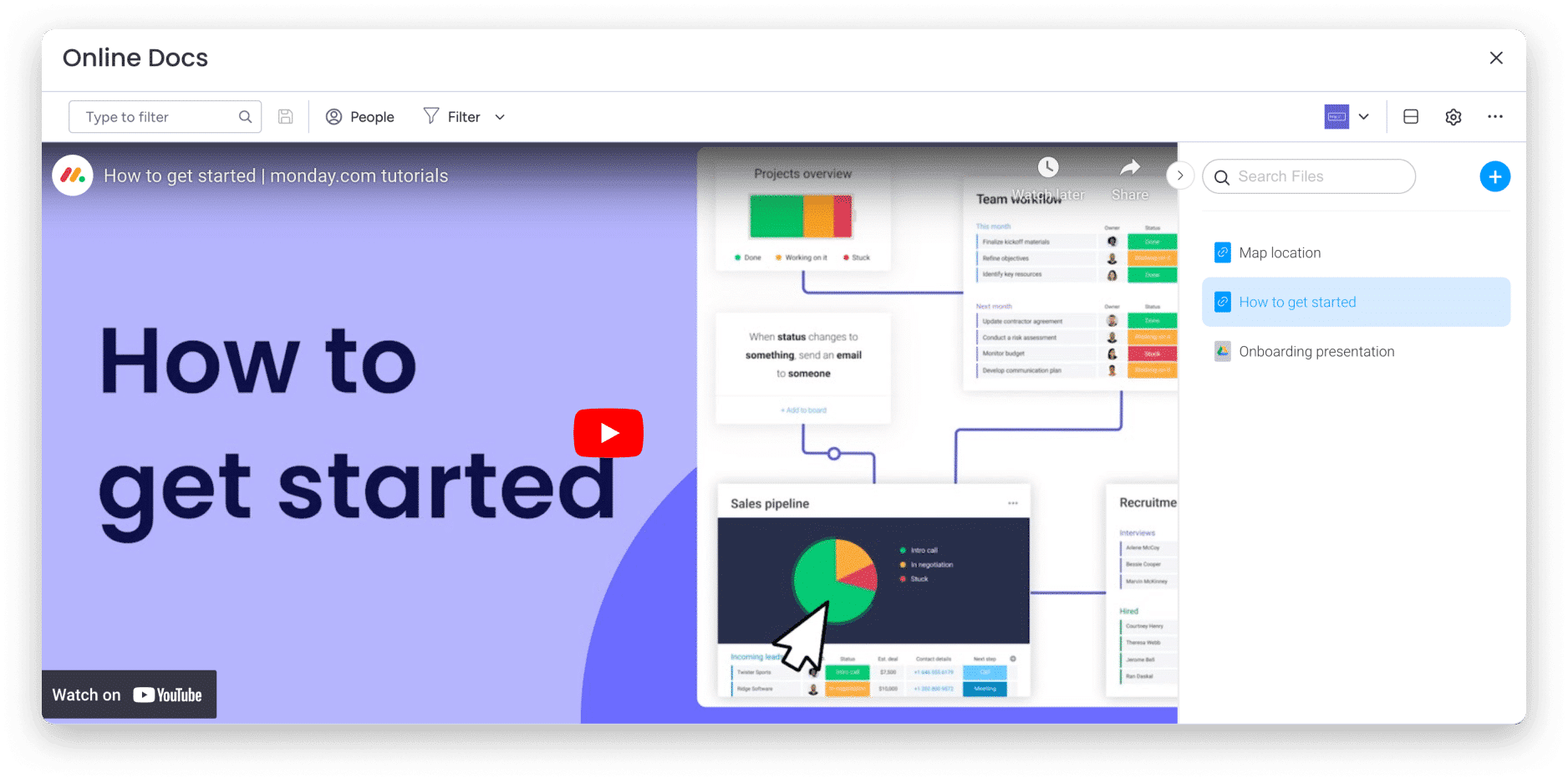
Are you tired of going from website to website to find the right information? So are we! That’s why we created Online docs! With this new app, you can watch content from other sites without leaving your monday.com account.
Whether you want to embed your favorite YouTube video, the latest presentation from your Google Drive, a sample of your designs, or more, we have something to offer!
With Online docs, you and your team can easily collaborate on all your documents and add all your comments right from monday.com.
How to add this?
- Board view
To add Online docs, click the plus sign in the top left of your dashboard, then click Apps and then Explore more apps.
Then, search for Online Docs and add it to your clipboard. 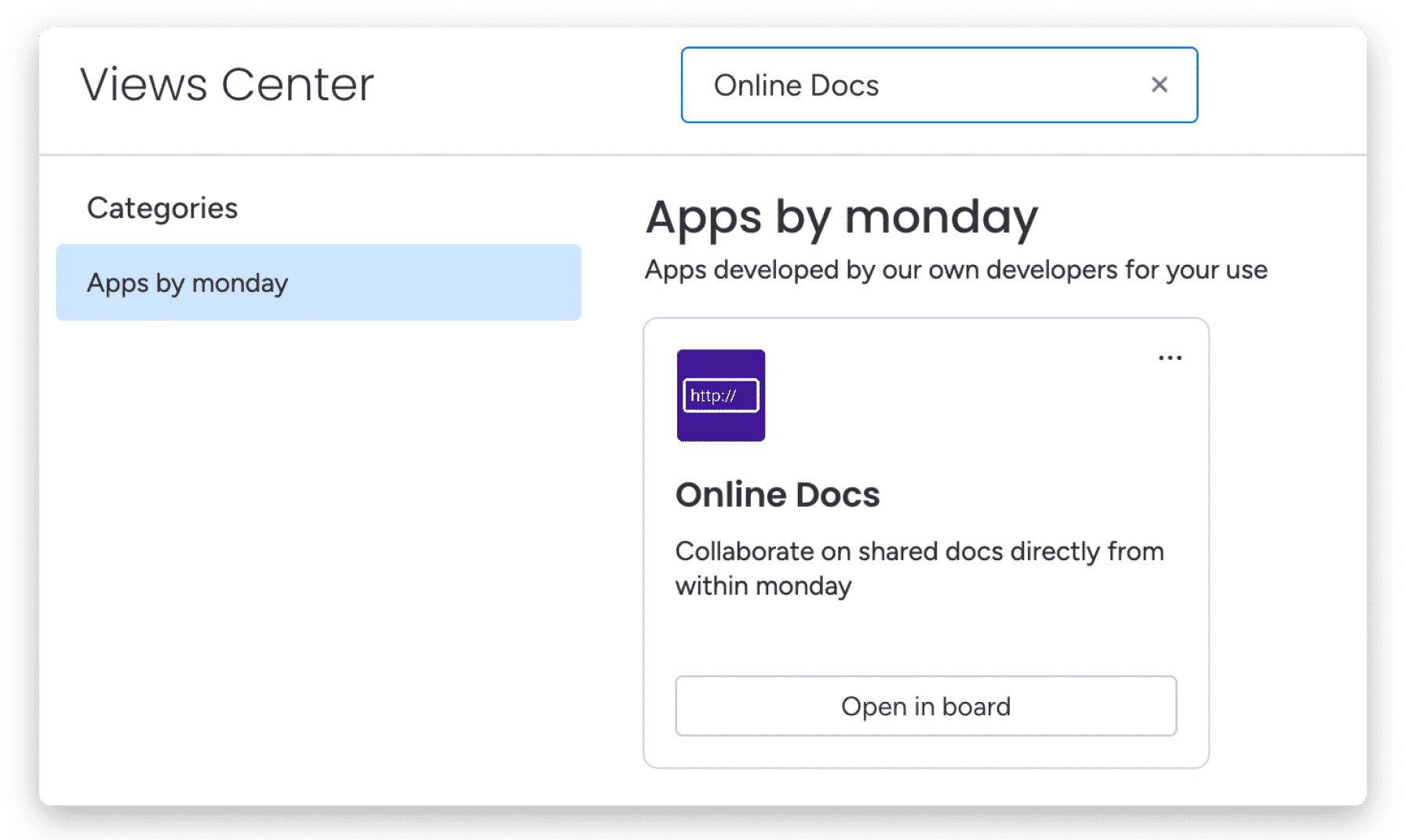
- Dashboard widget
Open your dashboard and simply click Add widget at the top of the dashboard page. Then click More widgets. 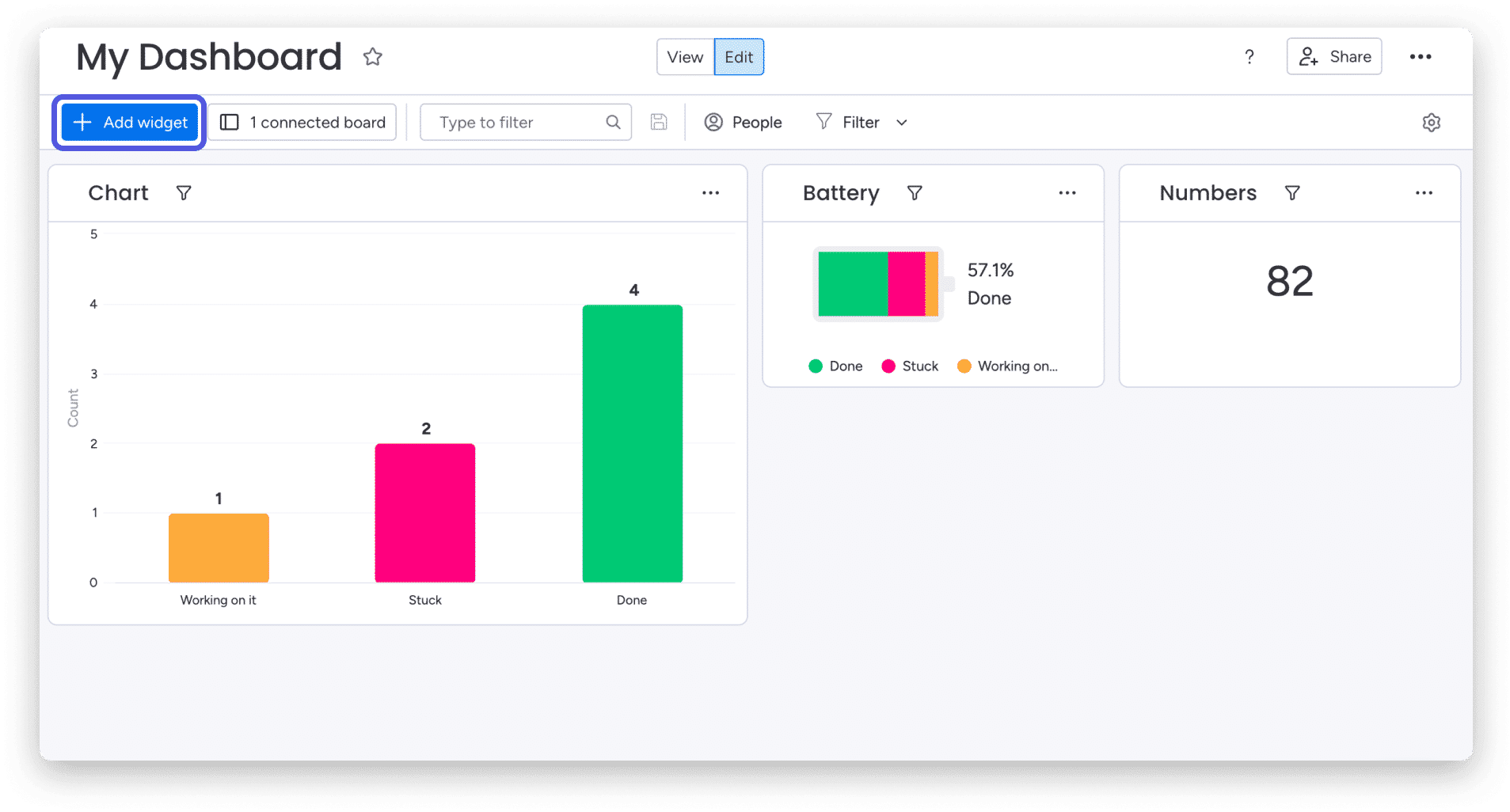
Once you are in the widget center, search for Online Docs as shown below. Then click Add widget. 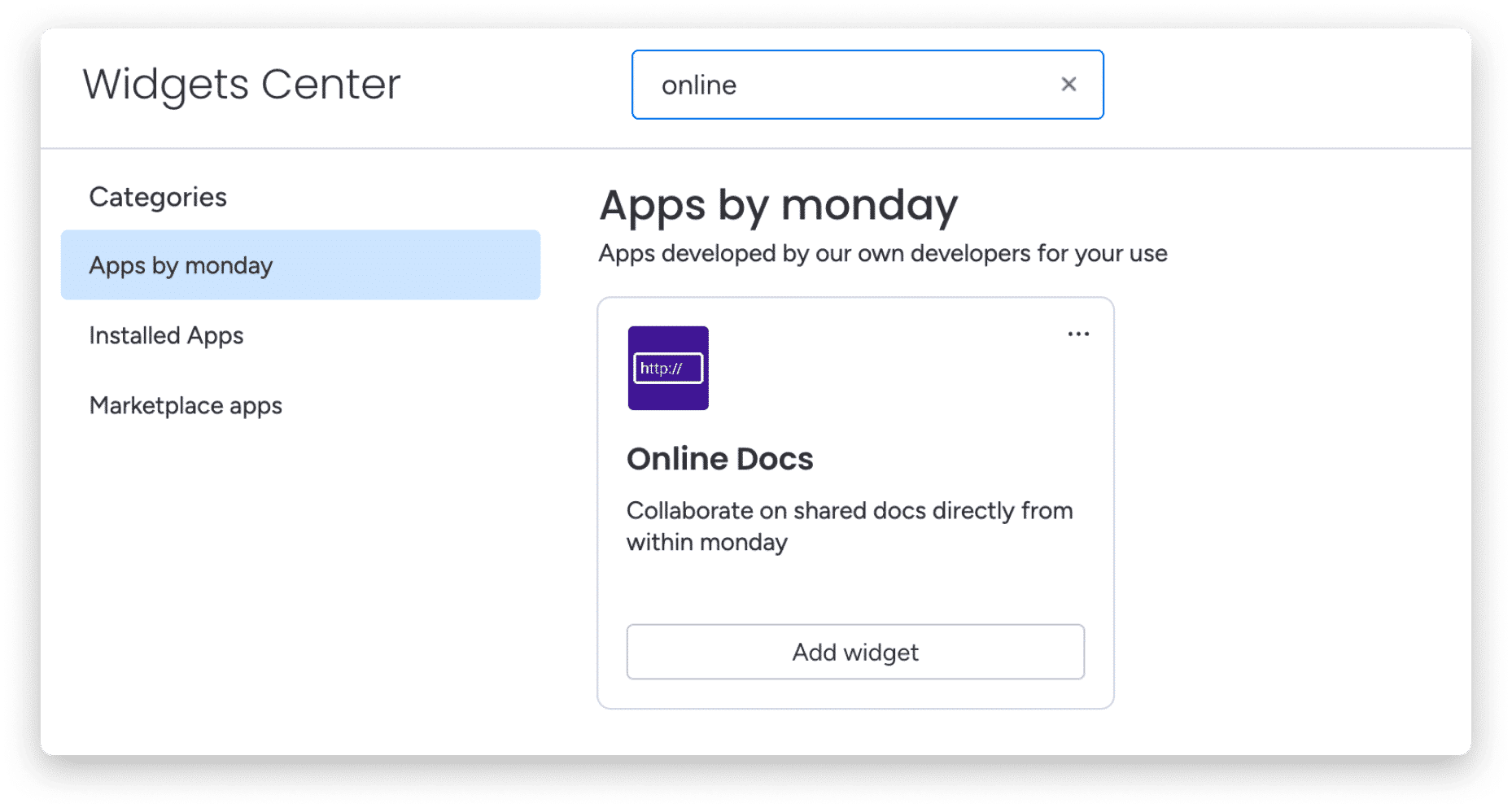
how does it work
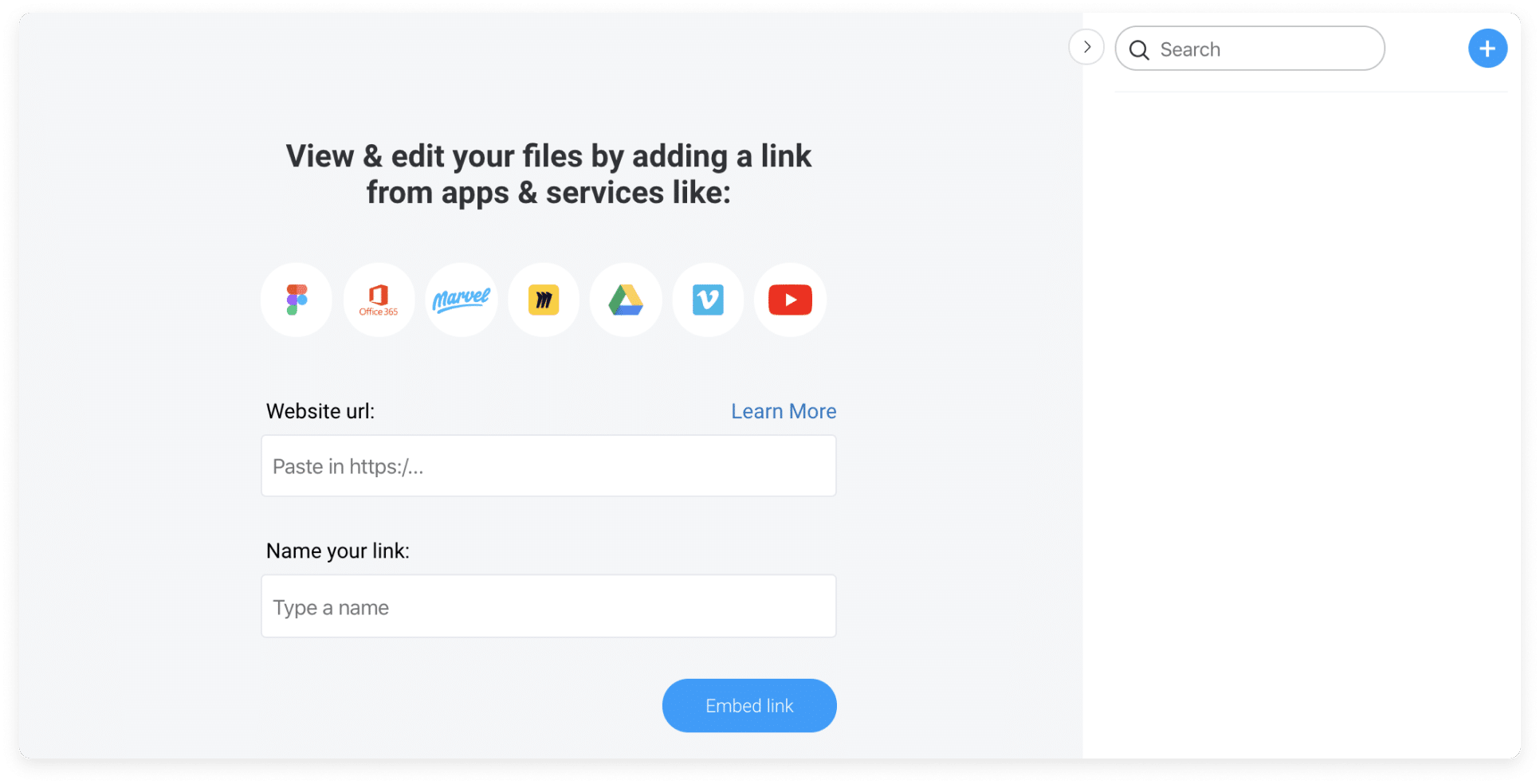
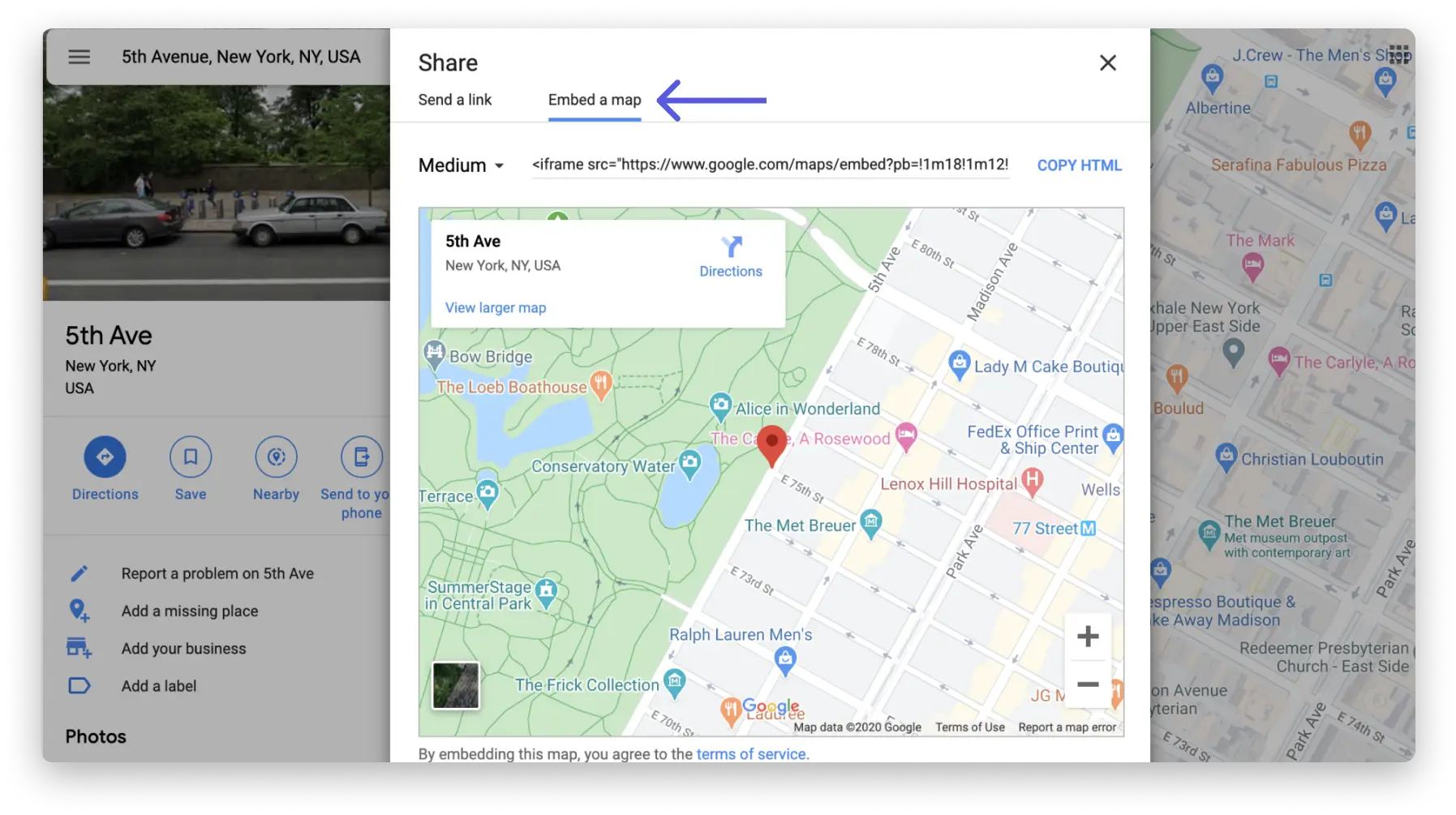
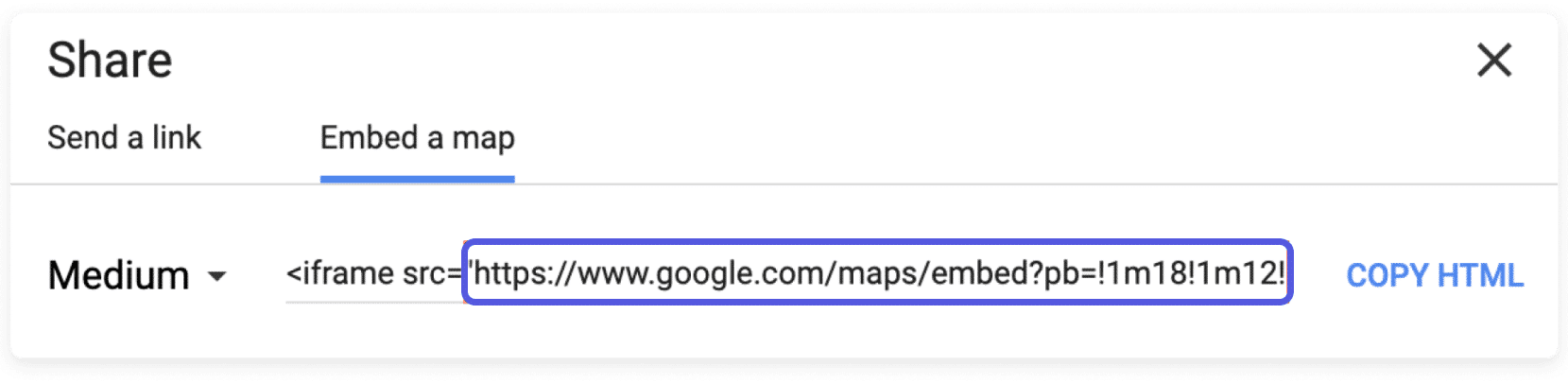
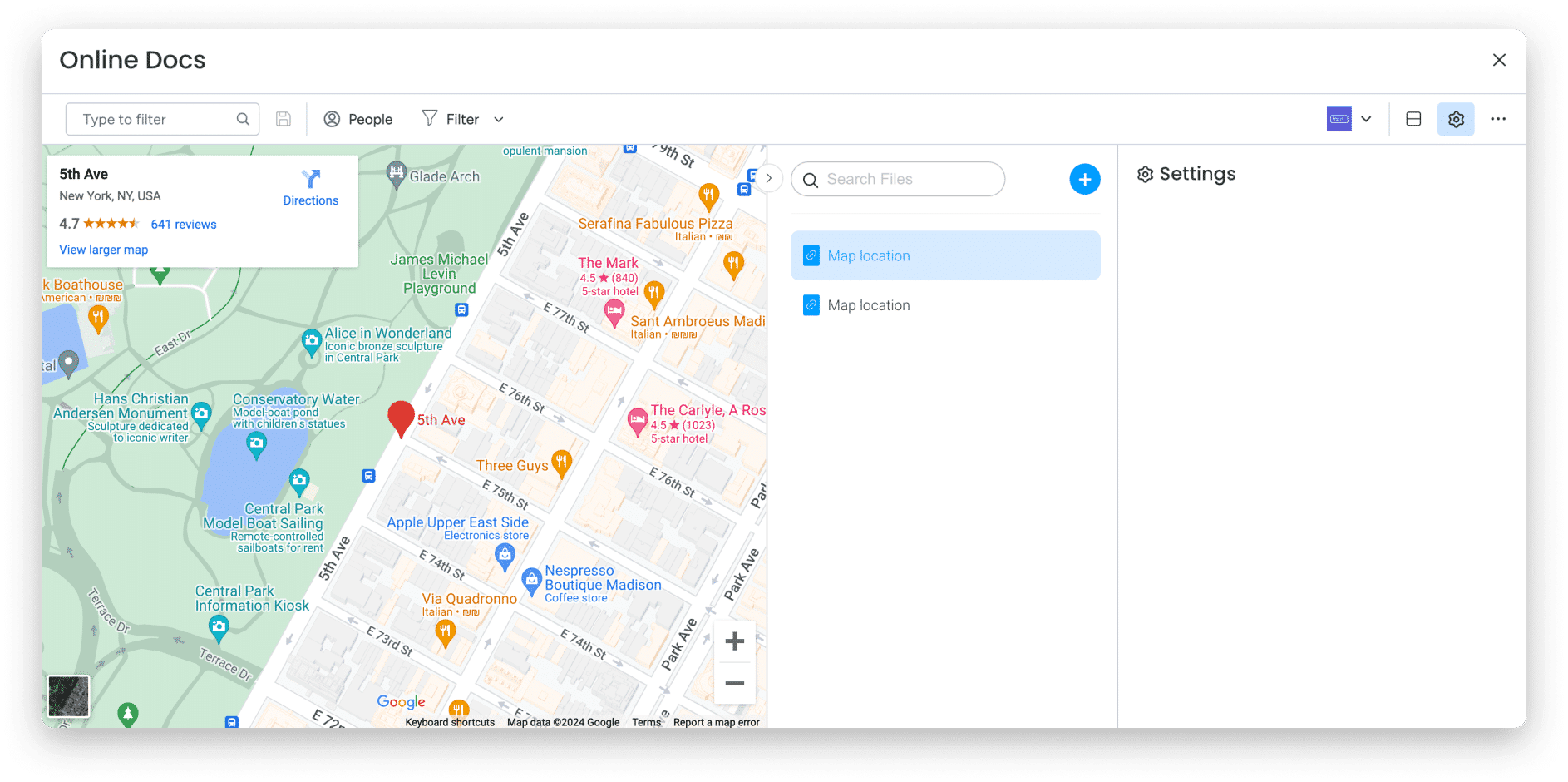
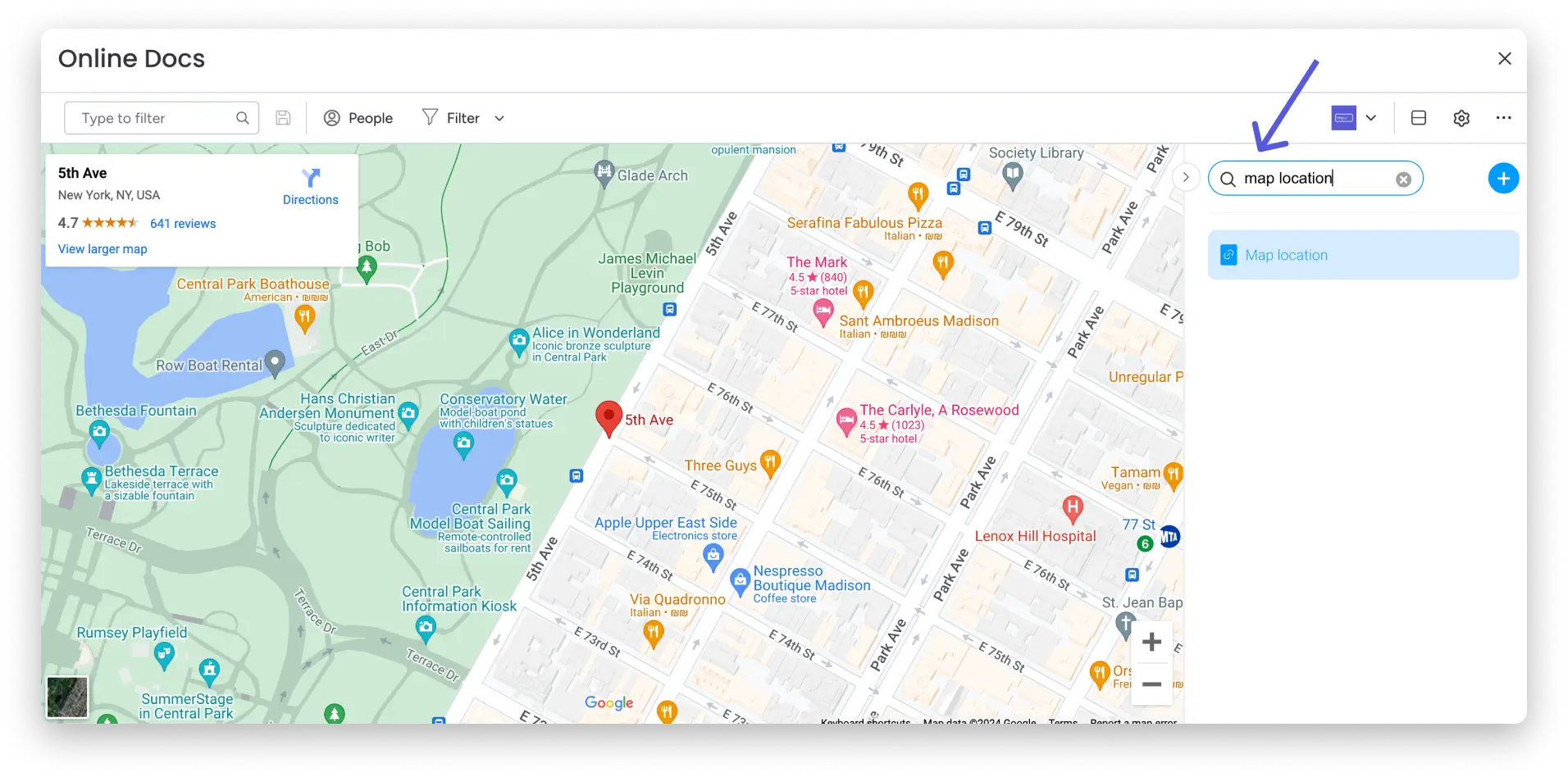
Map embedding
Embedding a YouTube video
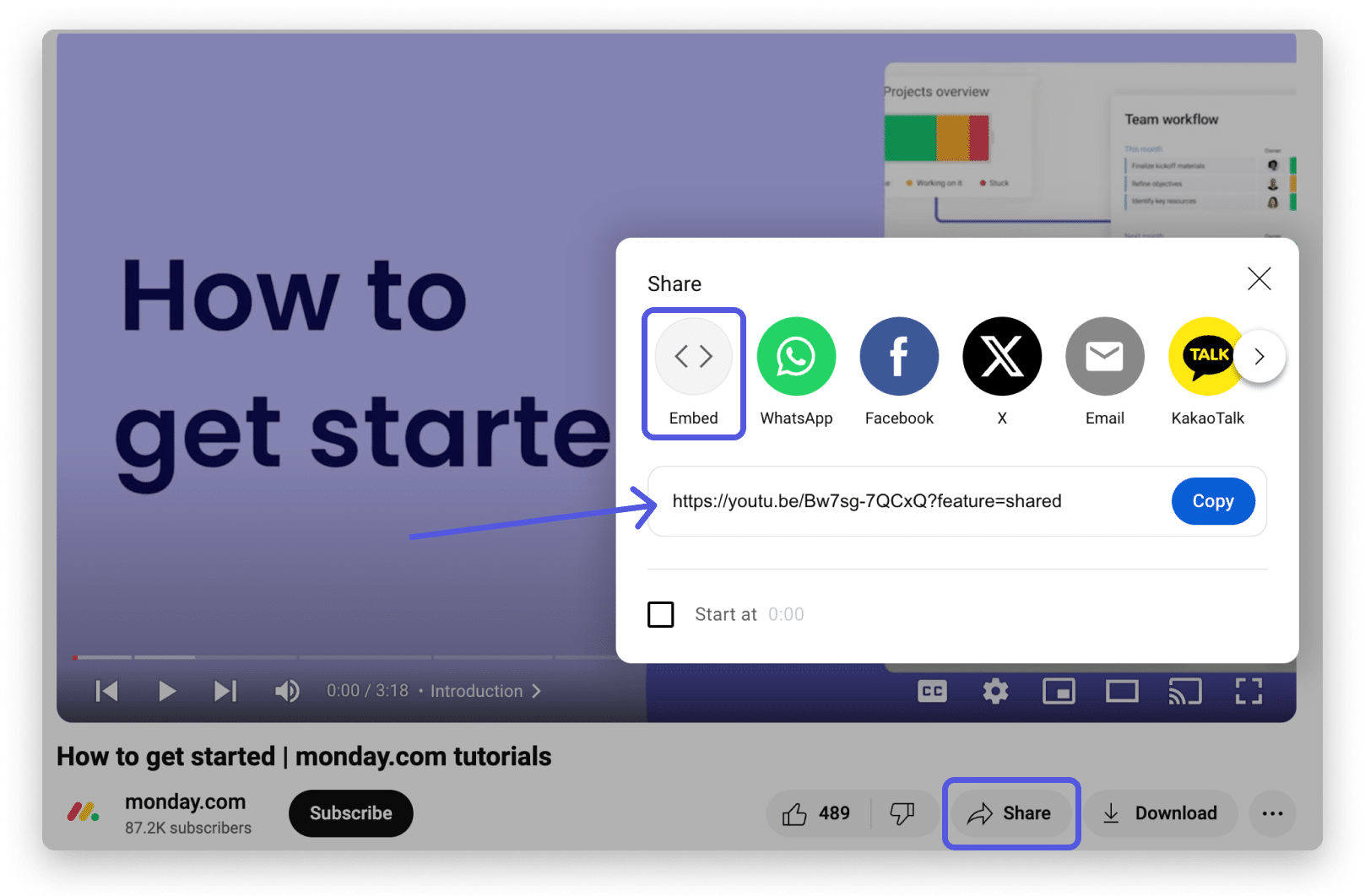
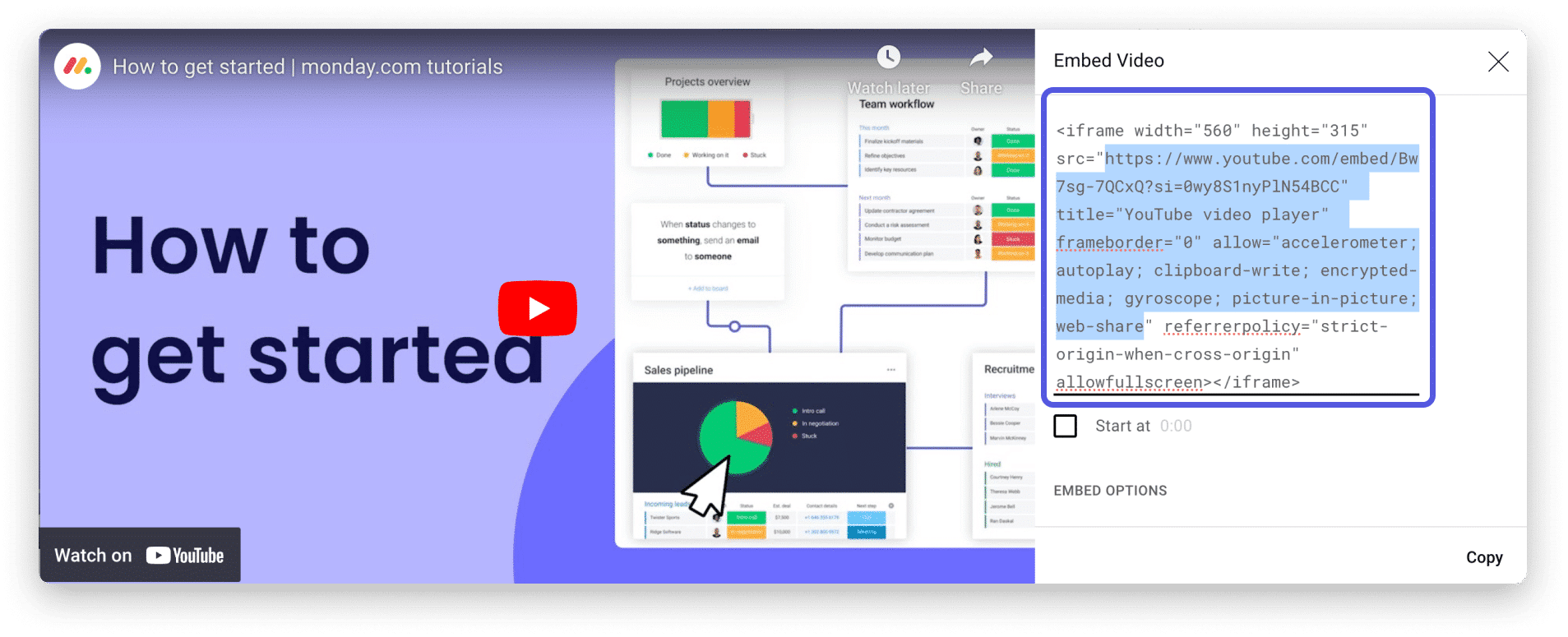
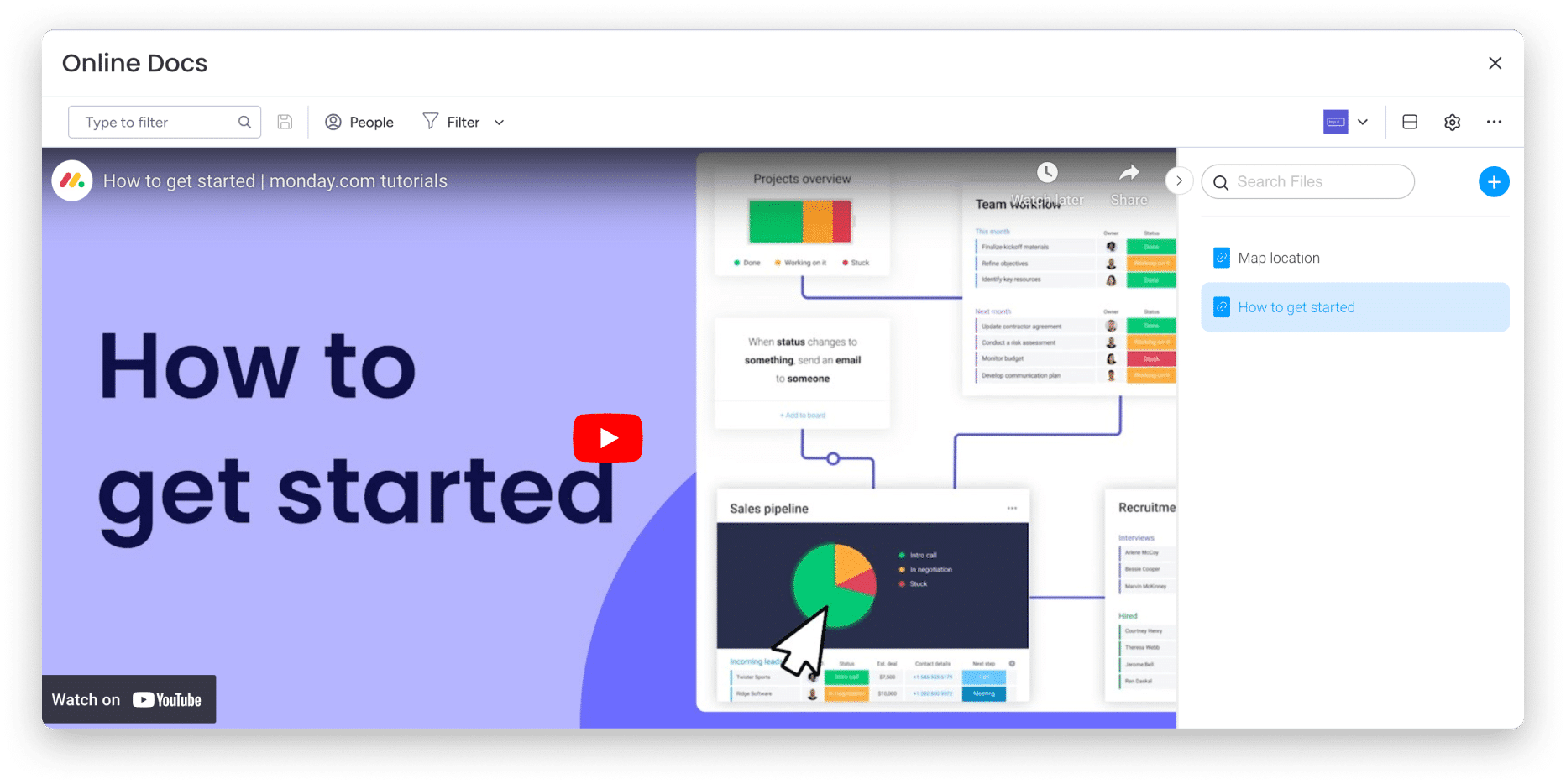
Embedding your Google Drive documents
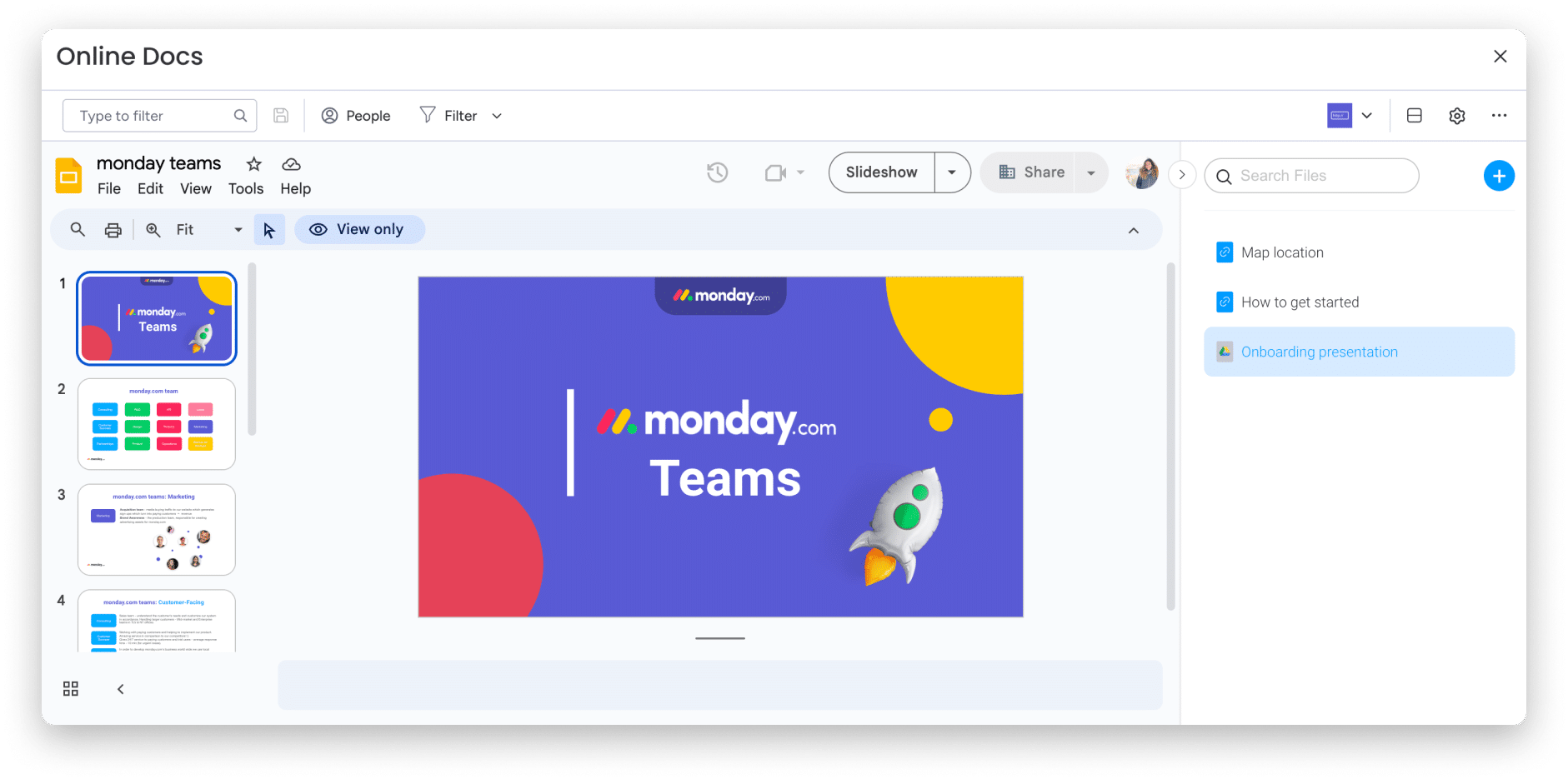
Easily search for files
I received an error message while embedding my file.
This can happen for several reasons.
1. The link you are trying to embed is not an embedded link. Always make sure to copy embedded links and not regular URLs (see examples above).
2. On some websites like YouTube, the content creator may or may not allow the embedding option. If you get an error while trying to embed the link, it may be because the content creator has removed this setting from his/her video. You can always contact him/her to change this setting.
3. Some websites do not allow embedding and will not allow you to embed their content from outside at all.
In conclusion, this feature is a must-have for improving your workflow. It allows you to centralize all your documents, videos, and more in one place for better and easier collaboration.
