
Do you feel overwhelmed by all the team events, new team members joining the company, as well as birthdays and work events?
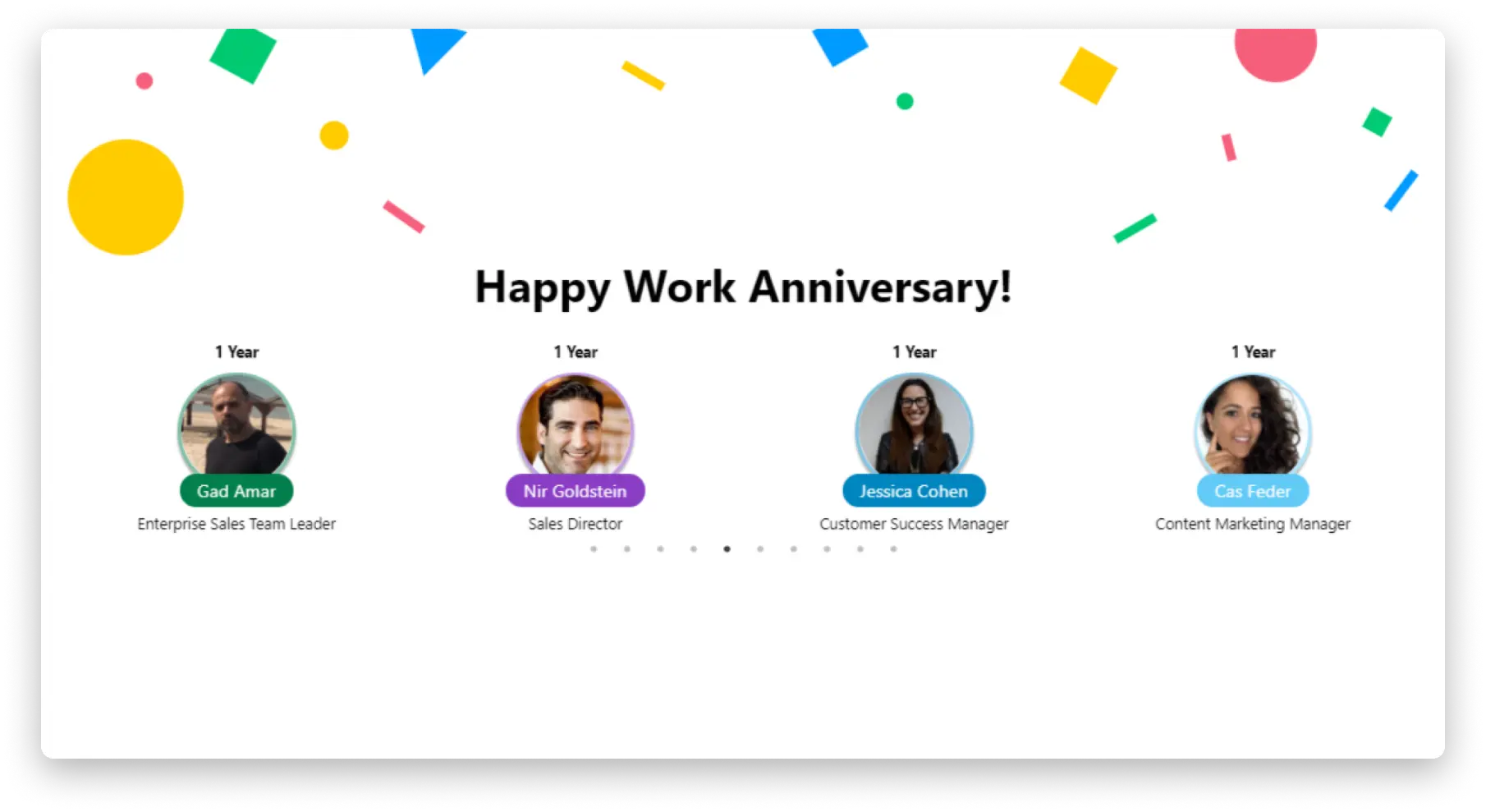
With the Team Updates Widget, you can stay up to date with everything that’s happening and never miss an important event!
With this app, all the important team events will be collected in one place, visually and easily accessible. Did someone say “great team member”?

How to add it to your dashboard?
To add the team updates to your dashboard, click the ” Add Widget ” button in the top right corner of the dashboard. Click ” More Widgets ” and this will take you to the widget center. 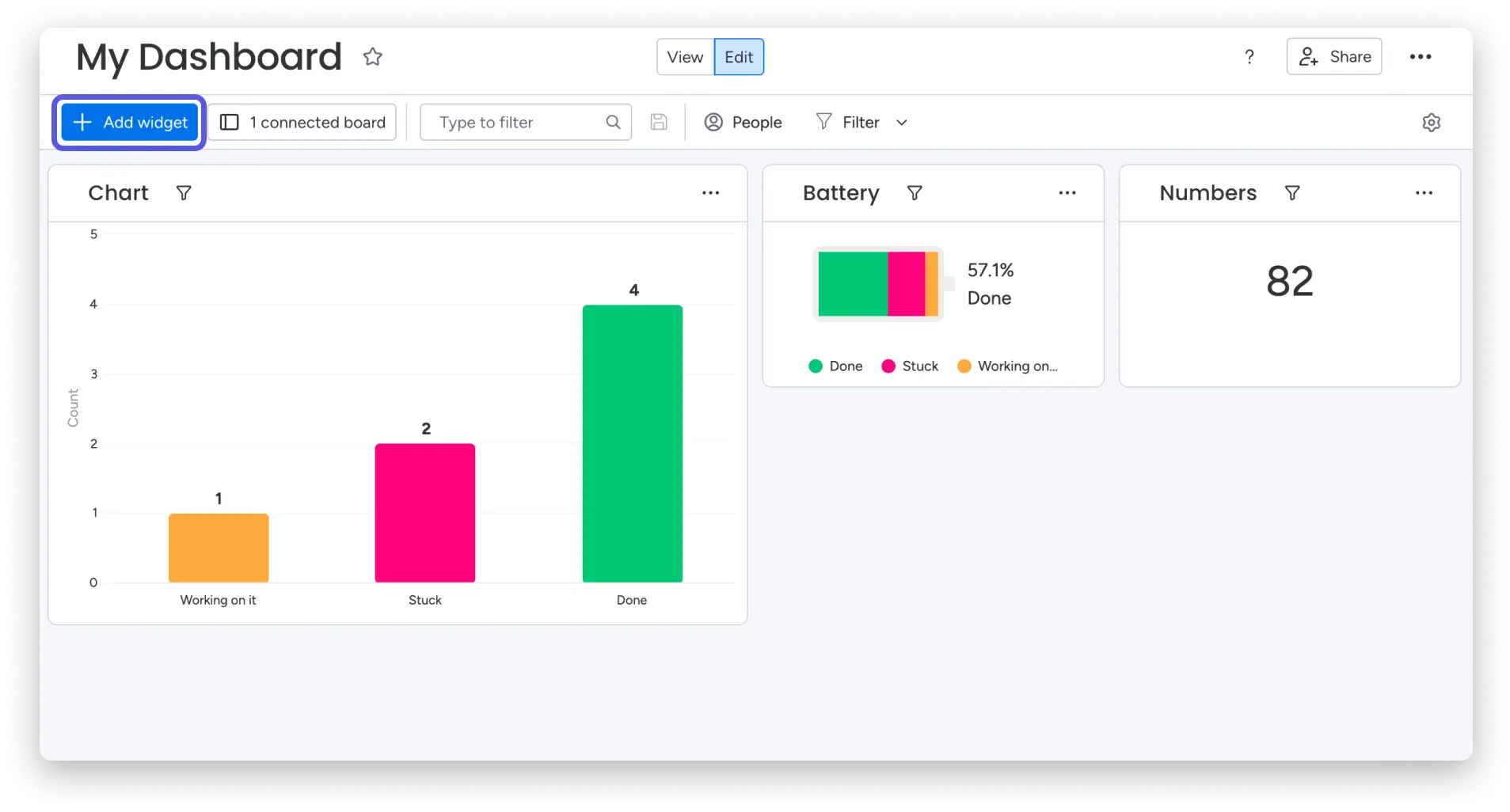
In the widget center, search for ” Team Updates ” and add it to your dashboard. 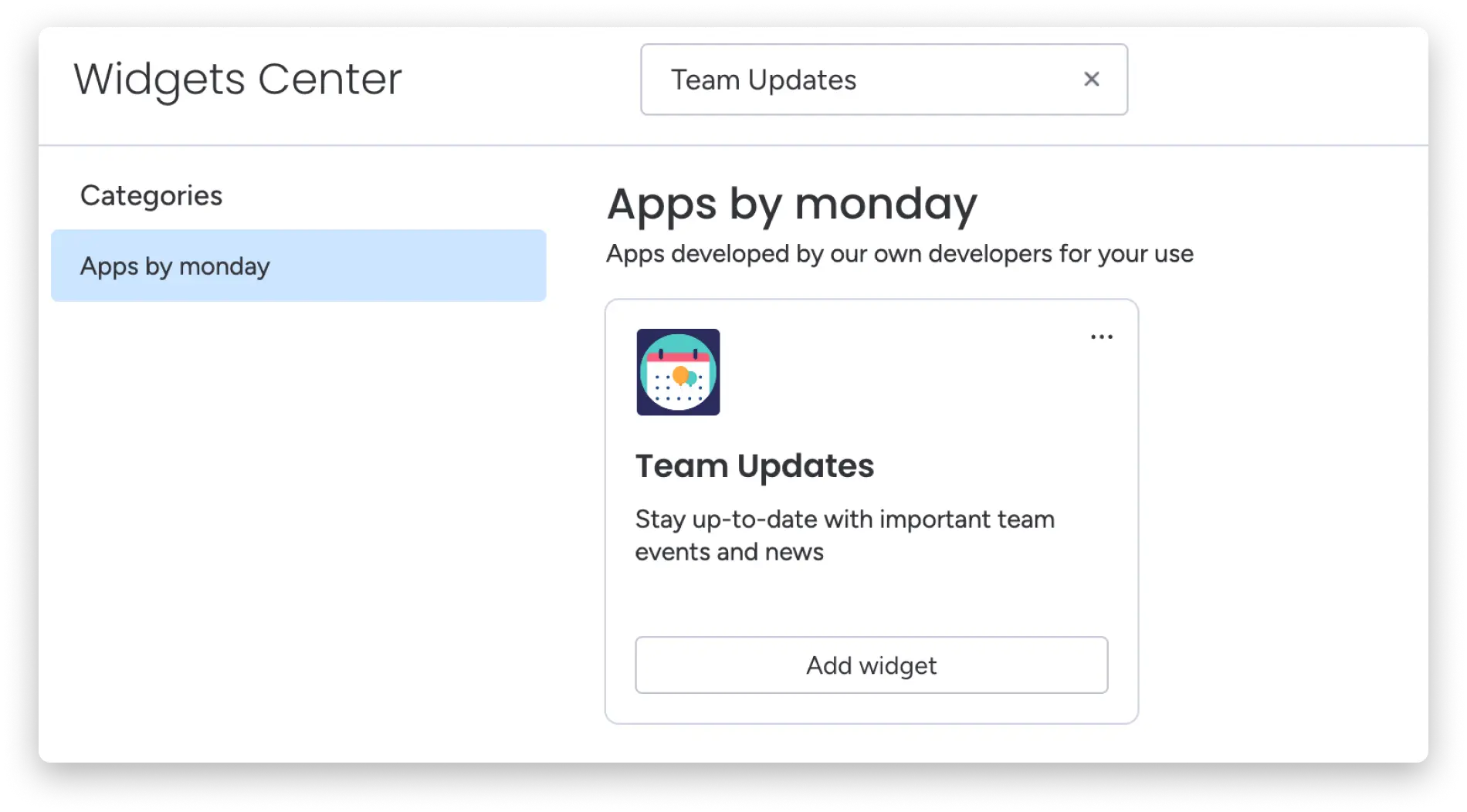
Once this is done, the team updates widget will appear on your screen, and you can then start customizing it.
How to customize team updates
Customization settings allow you to determine exactly how your team updates will appear on the dashboard.

Setting which events to display
You can choose to display birthdays, job openings, and new members who have joined. Whatever works for you – set it here! 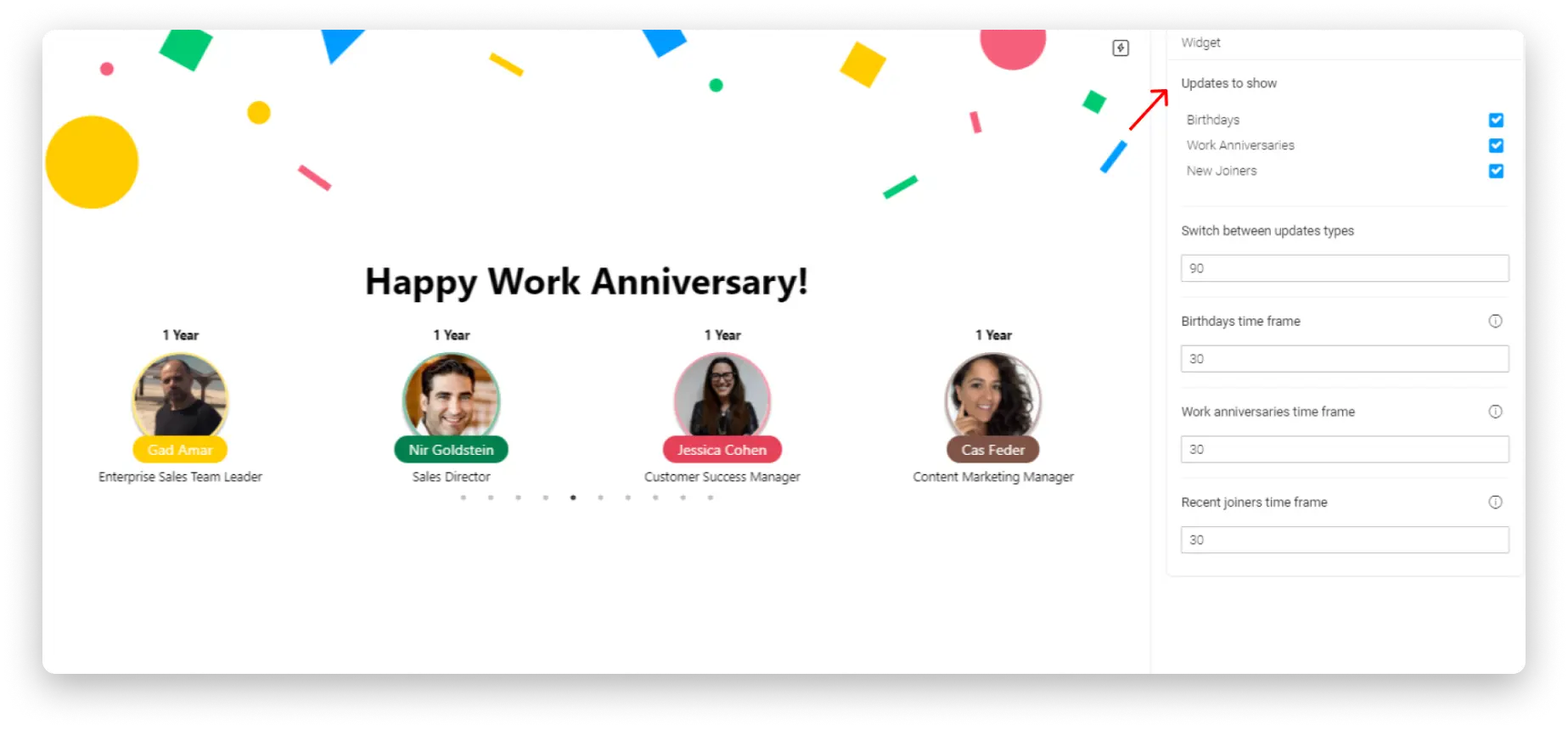
Setting the time between updates
Do you want each team member to get their own time for exposure? Decide exactly how much time you want before updates move on to the next type. 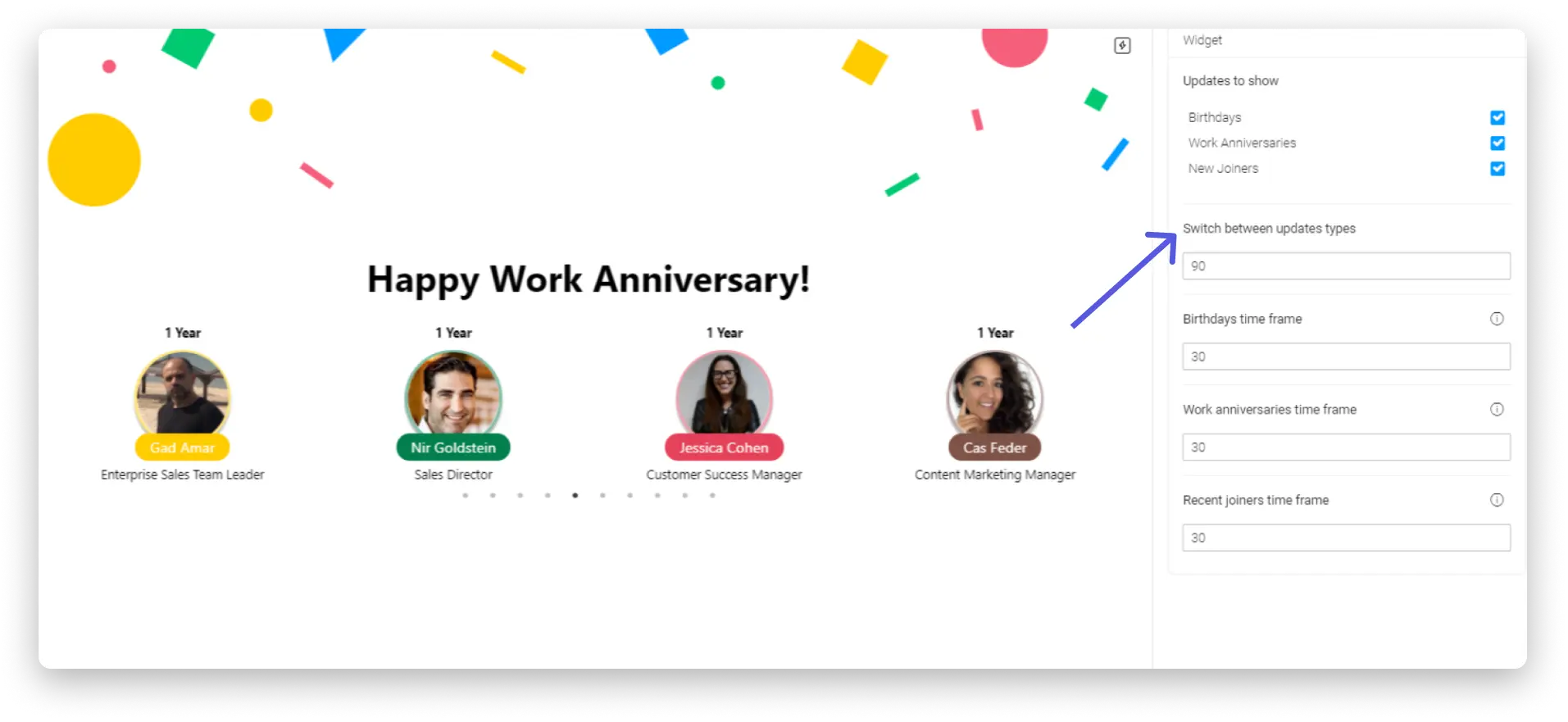
You set how far to go back!
Whether you want to display only the last 10 days or the last month, you can set it for any occasion, you can set it here! 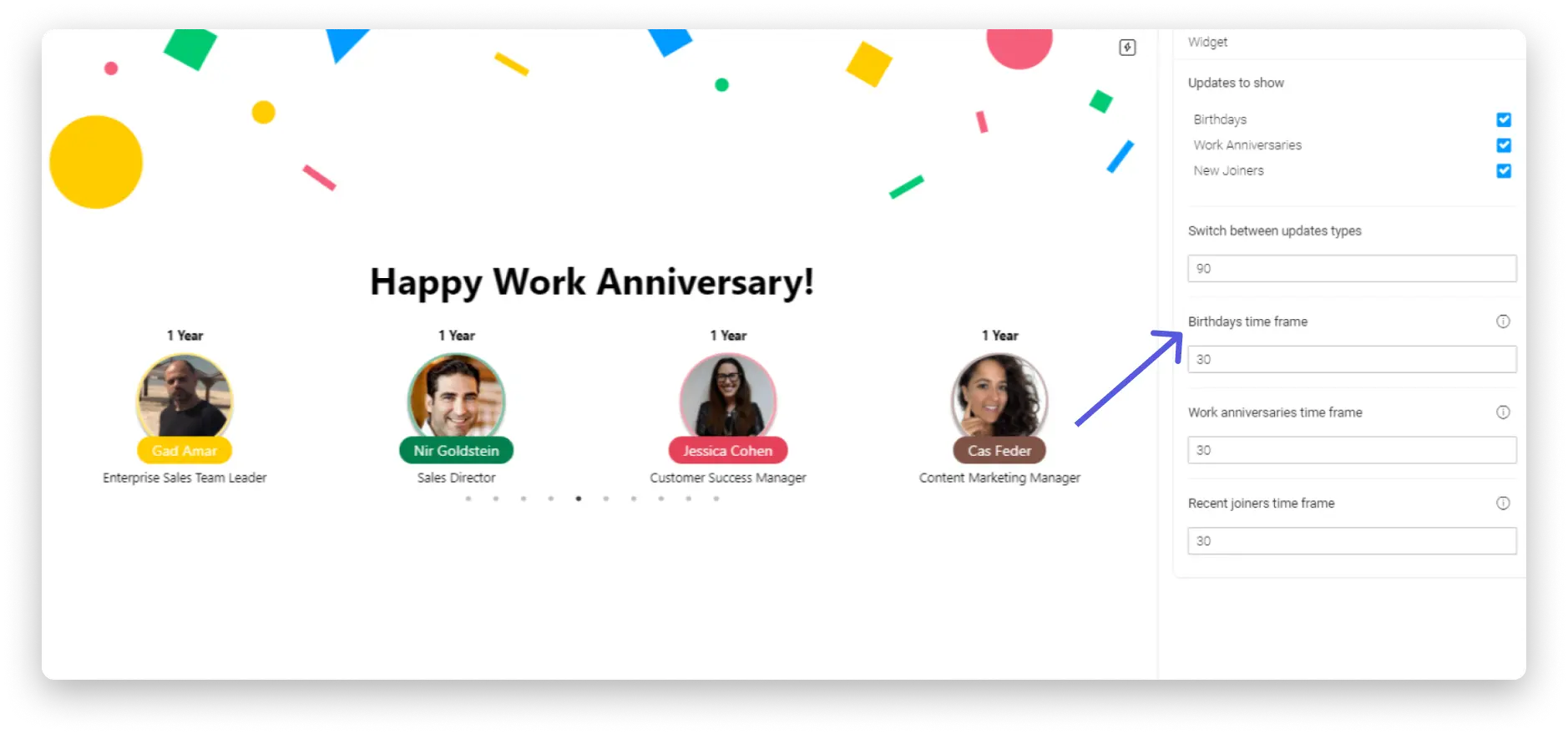
<p That’s it! You’re basically done setting up your team updates! Stay up to date on all important team dates and events and be the best team member you can be!