Looking to think freely, communicate ideas, collaborate, and create mind maps with your team? You’ve come to the right place! With the Miro app on monday.com, you can take full advantage of Miro , an easy-to-use whiteboard tool, without leaving your monday.com account. 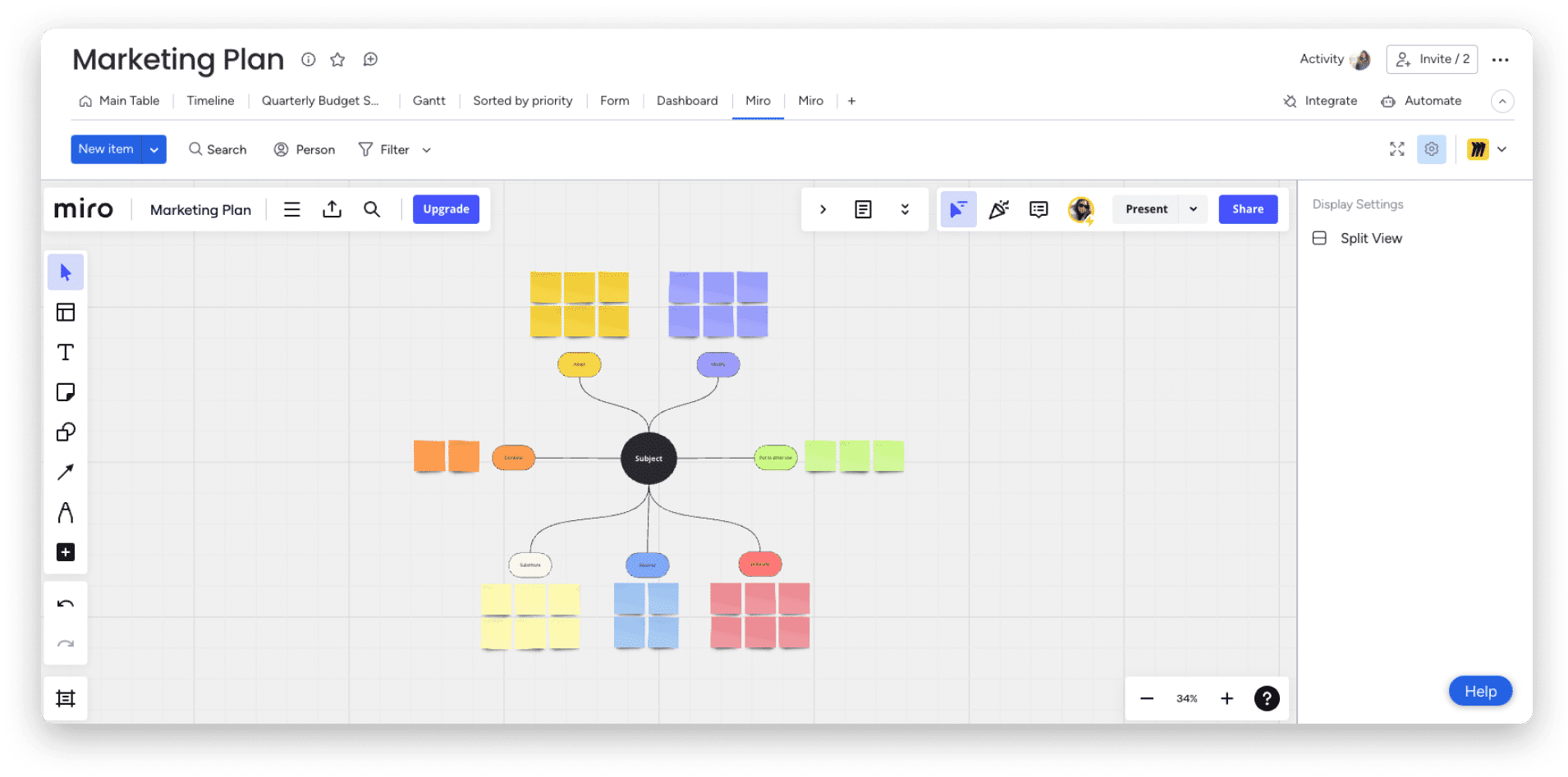
How to install
To install the Miro app on your account, start by clicking on the Monday Marketplace icon on the right side of your screen. Then, search for and select “Miro,” and click “Install App” on the next screen. Finally, select which workspace you want to install the app on and click “Install.” 

To continue, click the drop-down menus to select the workspace and board where the Miro app will be added. Don’t forget to click the blue “Add App” button to complete the process! 
Choose a Miro board to work on
To get started with the Miro app, start by selecting a Miro board! You can click “New Board” to create a completely new board, or choose one you’ve already worked on before.
In our case, we selected a Miro board we’ve already started working on called “Marketing Plan.” After clicking on it, we can choose the editing permissions others will have on it before clicking “Integrate Board”! 

Using the app
Once you’ve opened a new or existing Miro board, you can use the tools on the left side of the screen, highlighted in purple in the image below, to start adding different elements (also known as “objects”) to your Miro board.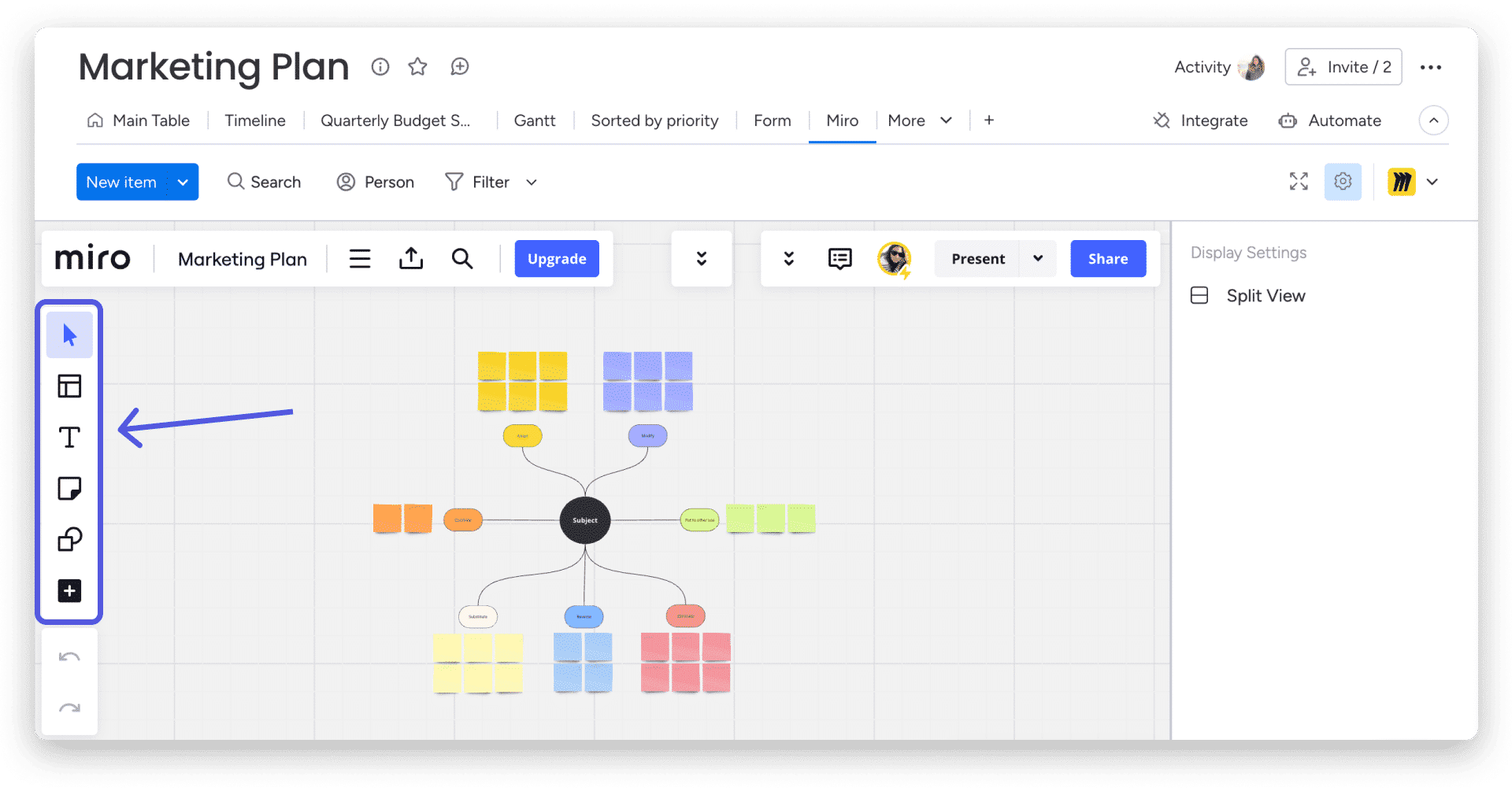
For example, by clicking on the sticky note icon, we can easily add a new note to our board and start writing on it!
Communicate with your team
Communicating and collaborating with your team is easy with the Miro app! Simply add the “Note” tool to your Miro board to leave a message within the board. 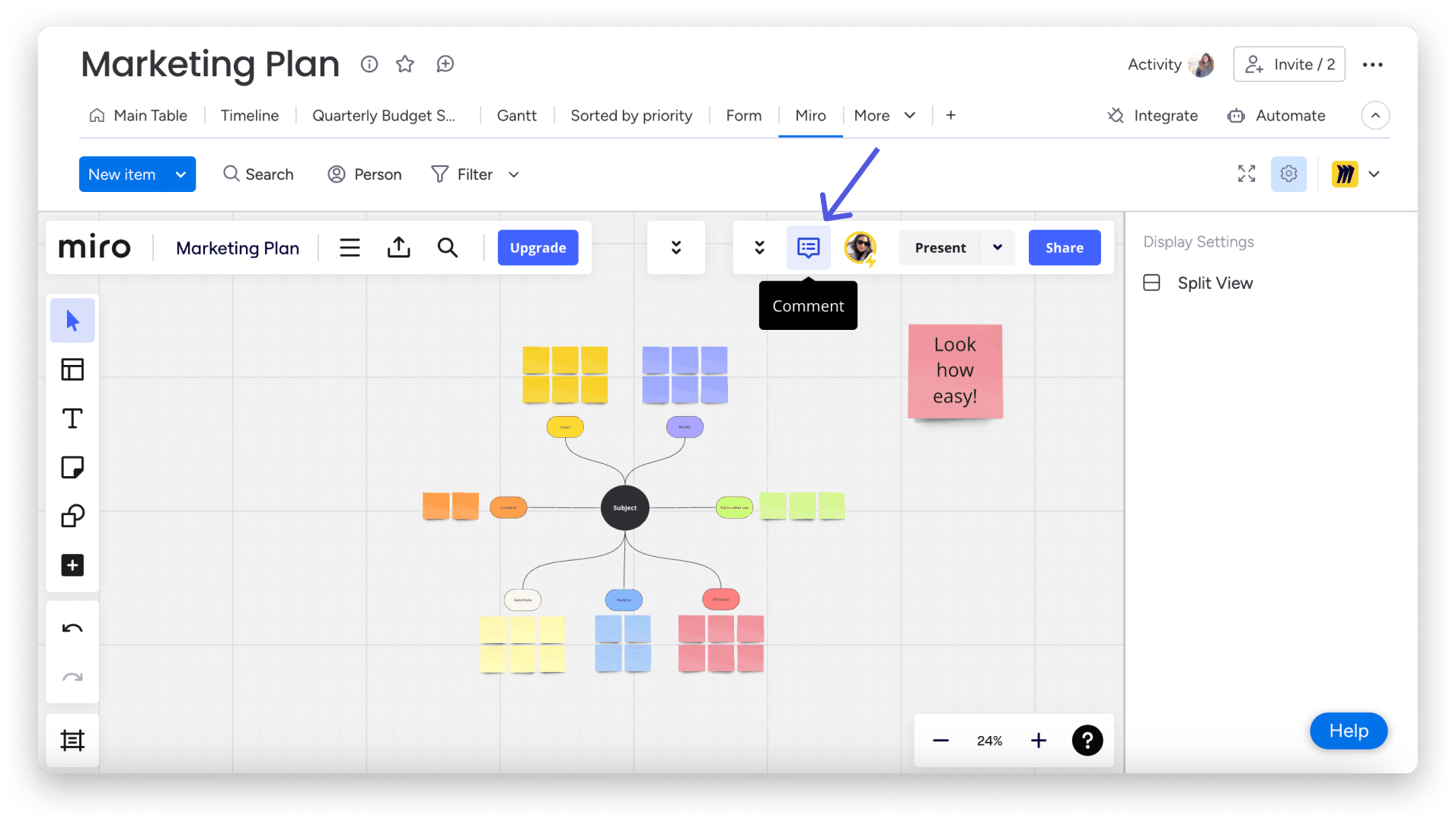
Using the annotation tool, you can easily collaborate with your team on any of the objects on your board, and you can even “@mention” a team member from Miro to notify and communicate with them directly!
More support
Curious to see what other apps we have for you on monday.com? Browse the entire monday marketplace and discover everything that’s available.