
How to use Stripe integration with monday.com

Stripe is a technology company that builds the financial infrastructure for the internet. Businesses of all sizes—from new startups to public companies—use Stripe’s software to accept payments and manage their online business. Now you can take those payments a step further and integrate them into monday.com so your team can take that information to the next level.

How to add this to your workflow
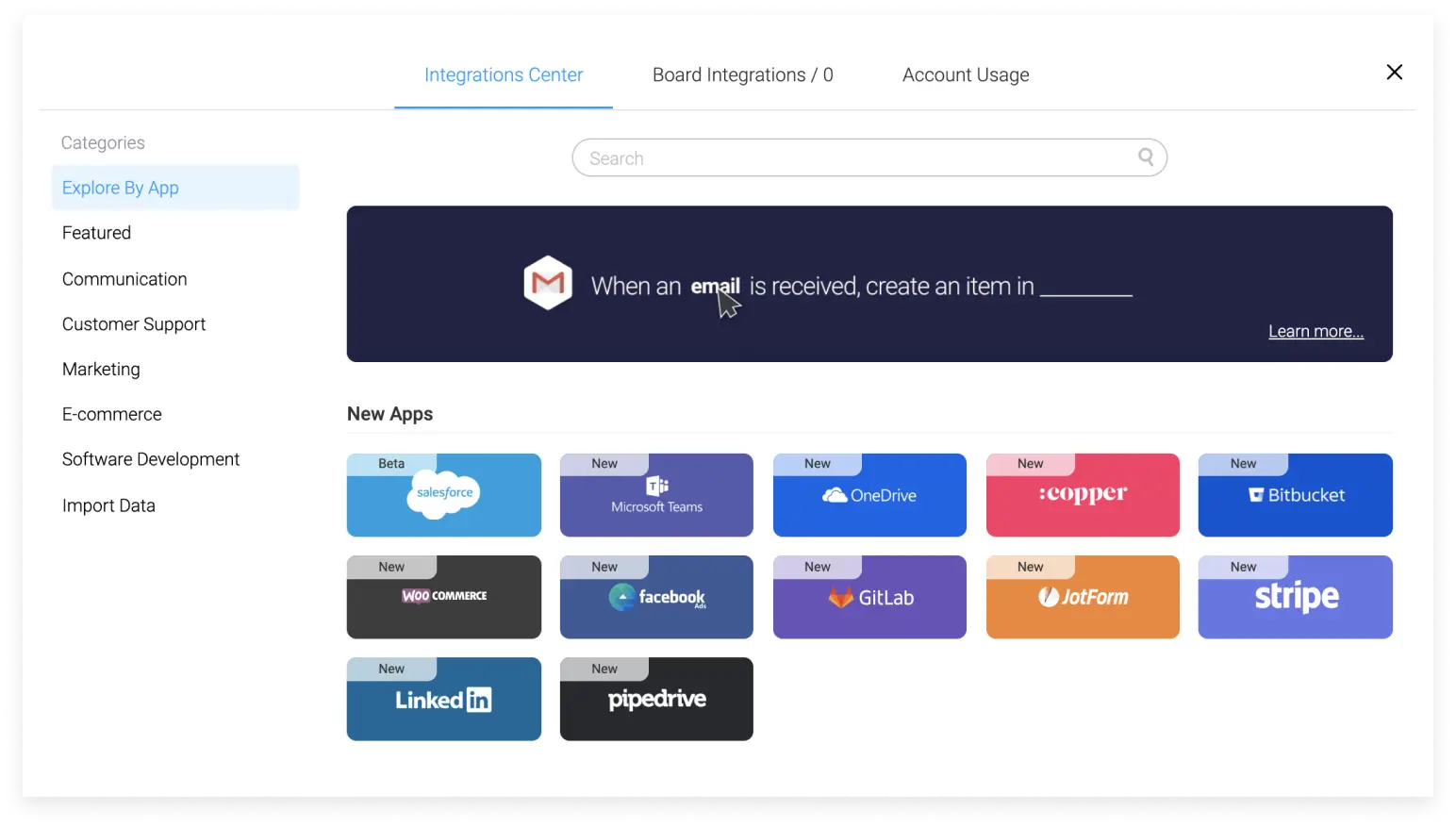
You will then need to select “Create a new account” if you don’t already have a Stripe account:
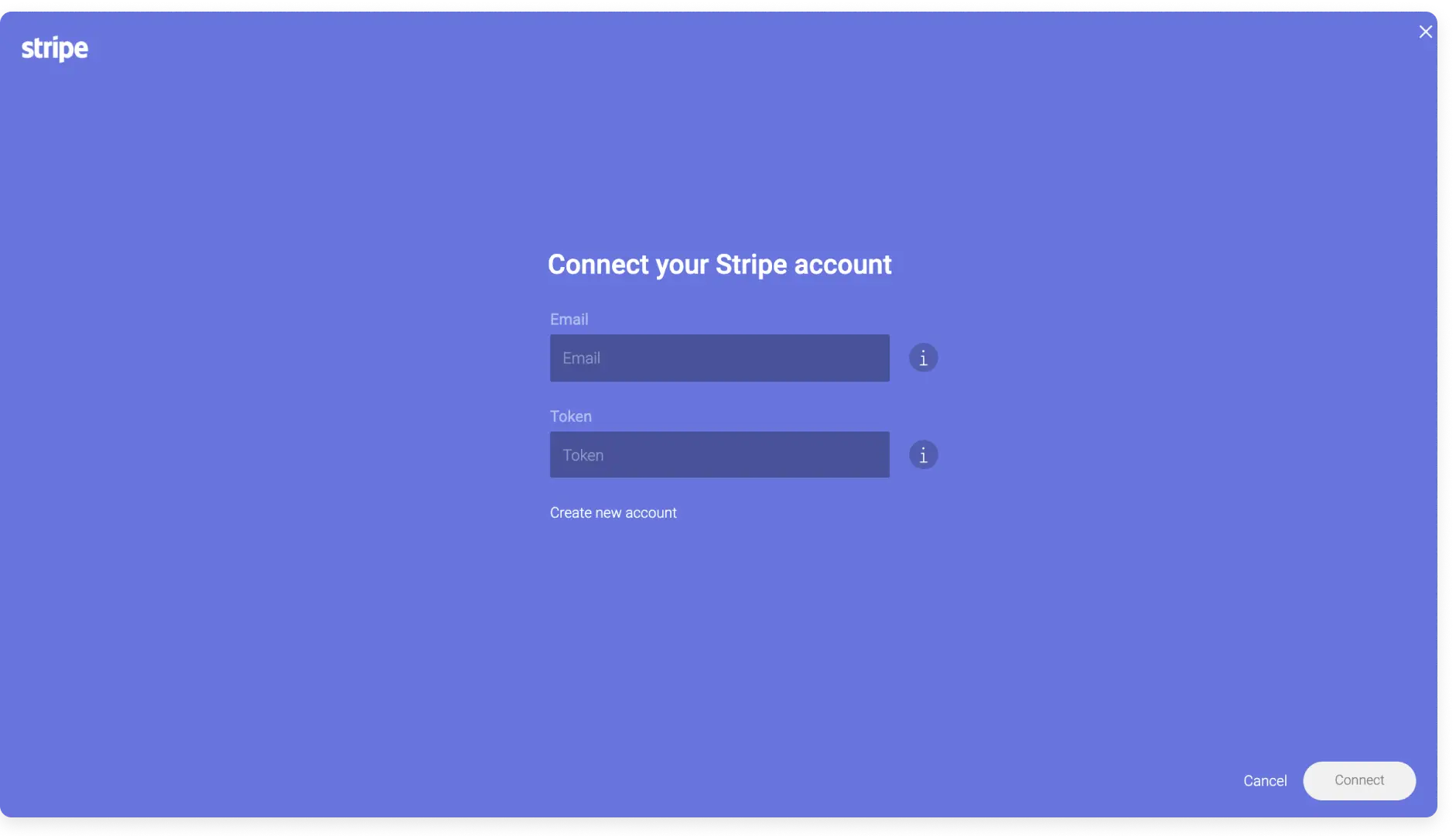
If you already have a Stripe account, simply enter your email and the API Token from your account.

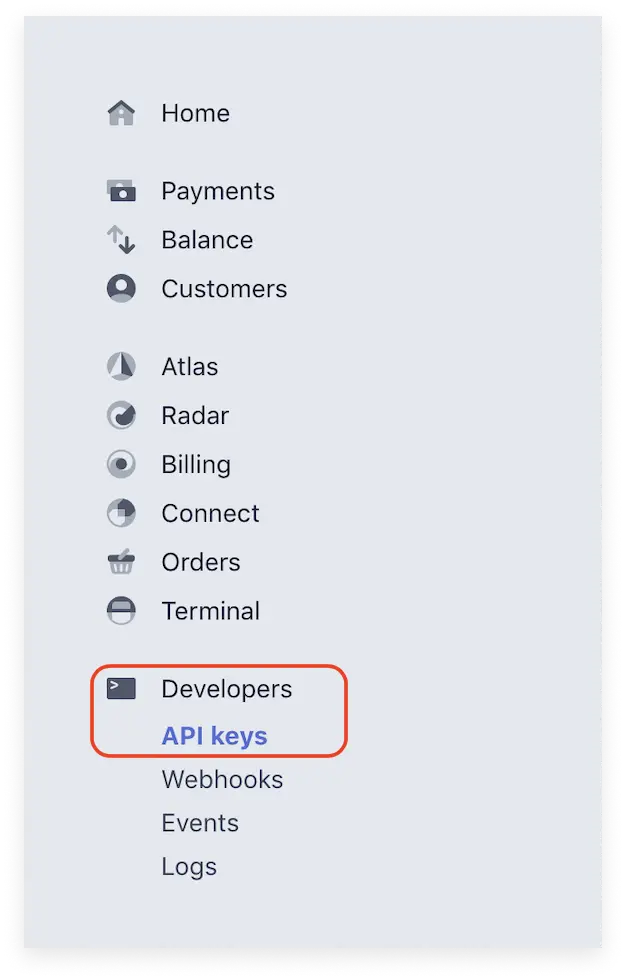
To find this token, log in to your Stripe account and look for the Developers option. Once you click on it, you will see an API keys option where you can copy your token under “Secret key.”

How does it work?
Very simple and clear. What you mean here is to tell monday.com that when some kind of transaction is made in Stripe, it should pull that information into the board. To better understand how this integration works, let’s do a simple example: when a billing event is made in Stripe, we create an item.
Select your account
First, select the Stripe email from which you would like to withdraw the transaction.

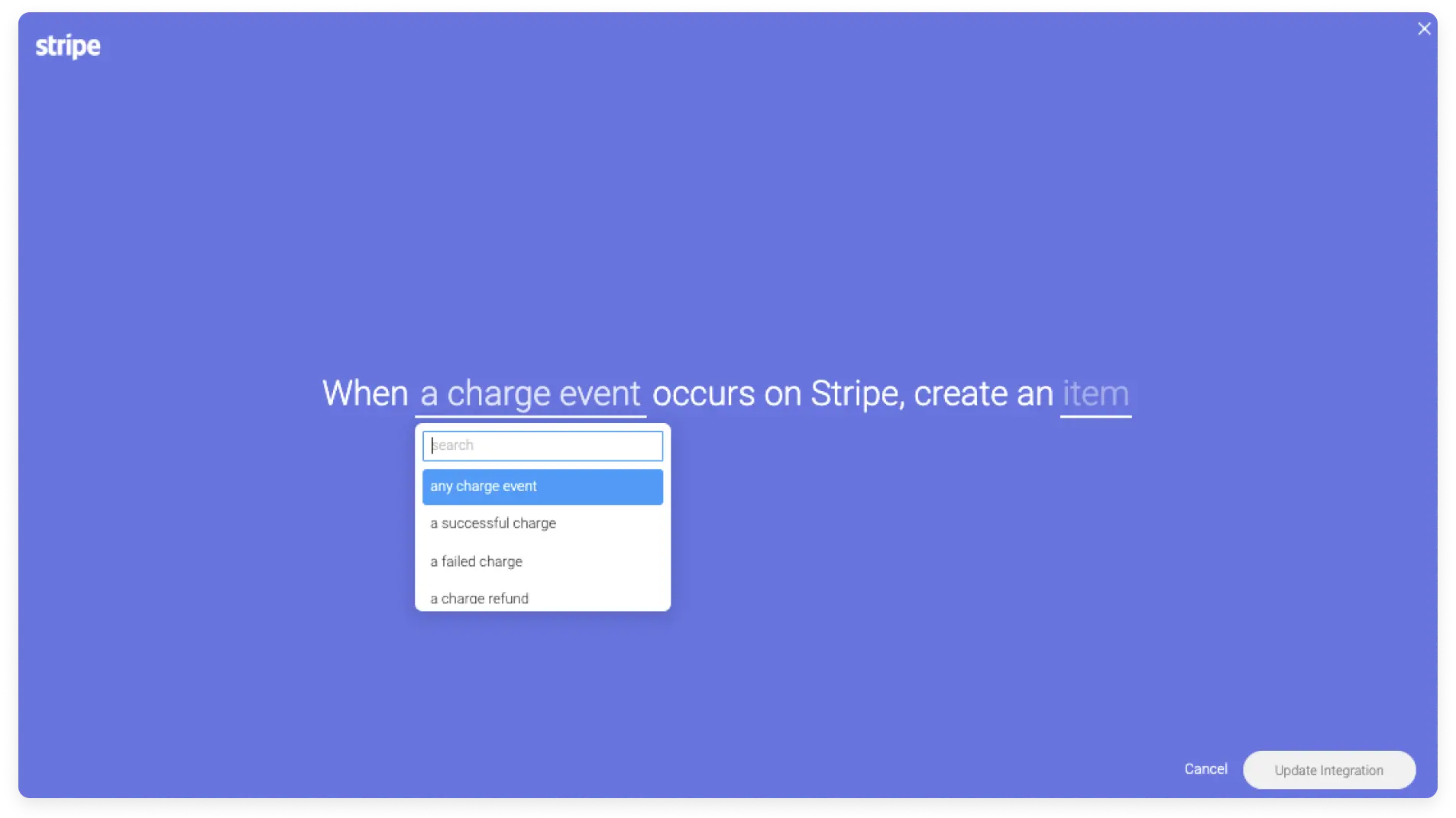
Select the type of charge you want to withdraw from Stripe
The first option you’ll see is a drop-down list of available charges that you can choose to withdraw.
Map your item
Finally, place the information you want to fetch from Stripe in the columns you added to your board.

See all your information from Stripe populate your board
Once you’ve set up the recipe, monday.com will ask Stripe to send all the information you’ve mapped to your boards!
Supported fields
Here is a list of Stripe supported fields and the monday.com columns they can map to:
- Charge ID – Text column
- Amount refunded – Number column
- Currency – Text column
- Customer email – text column
- Payment status – Status column
By mapping the fields correctly, you can ensure that the most important information gets to the right place on your board, allowing your team to act quickly and efficiently.
For more information on Stripe integration with monday.com, you can check out the full guide here .