
The app market is full of apps developed by third parties. So how can you be sure of the quality of an app before integrating it into your monday.com workflow? It’s simple – you can check the ratings left by other monday.com users! Let’s take a look at how Ratings Denial works.
How does it work?
You can rate any of the apps you currently have installed on your monday.com account. This helps ensure that the ratings are real and come from someone who actually uses the app. Previously used apps that have been discontinued cannot be rated. Currently, there is no limit to how many times you can rate an app or update a rating you have already given!
Ratings are based on a star scale of 1 to 5, with 1 being low and 5 being high. There’s also the option to leave written feedback! If an app has received enough ratings, the average score will be displayed below the app on your “Installed Apps” page.
How to rate apps
To rate an app, open the app market by clicking the puzzle icon in your toolbar. Then, click “Installed Apps.”

Here, you can see all the apps in your account in one window. Click on one to see more details and options. Then, click “Rate the app” to give it a rating!
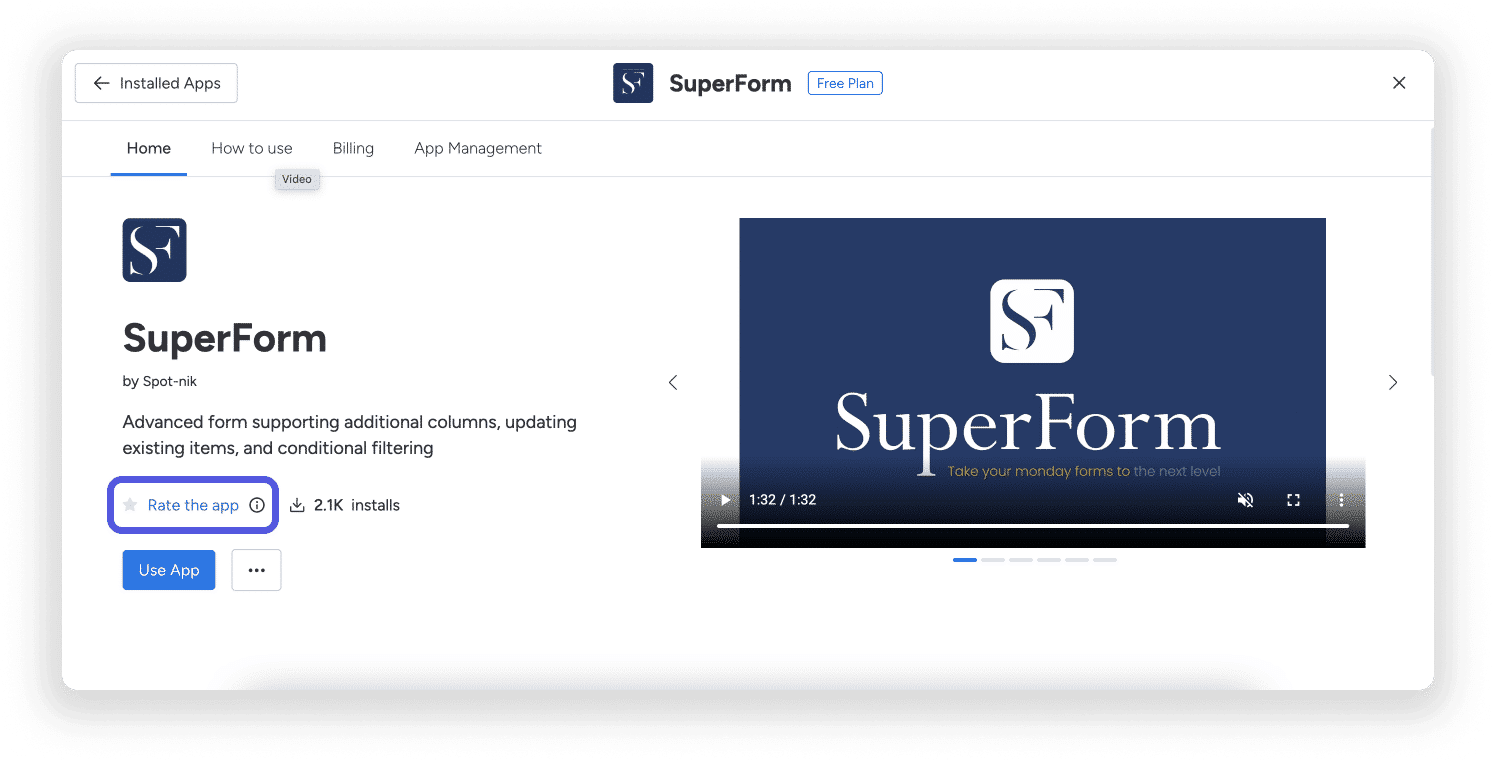
In the pop-up window, select between 1 and 5 stars, with 1 being the lowest and 5 being the highest. You can then write a short review and click “Submit”!


How to view rankings
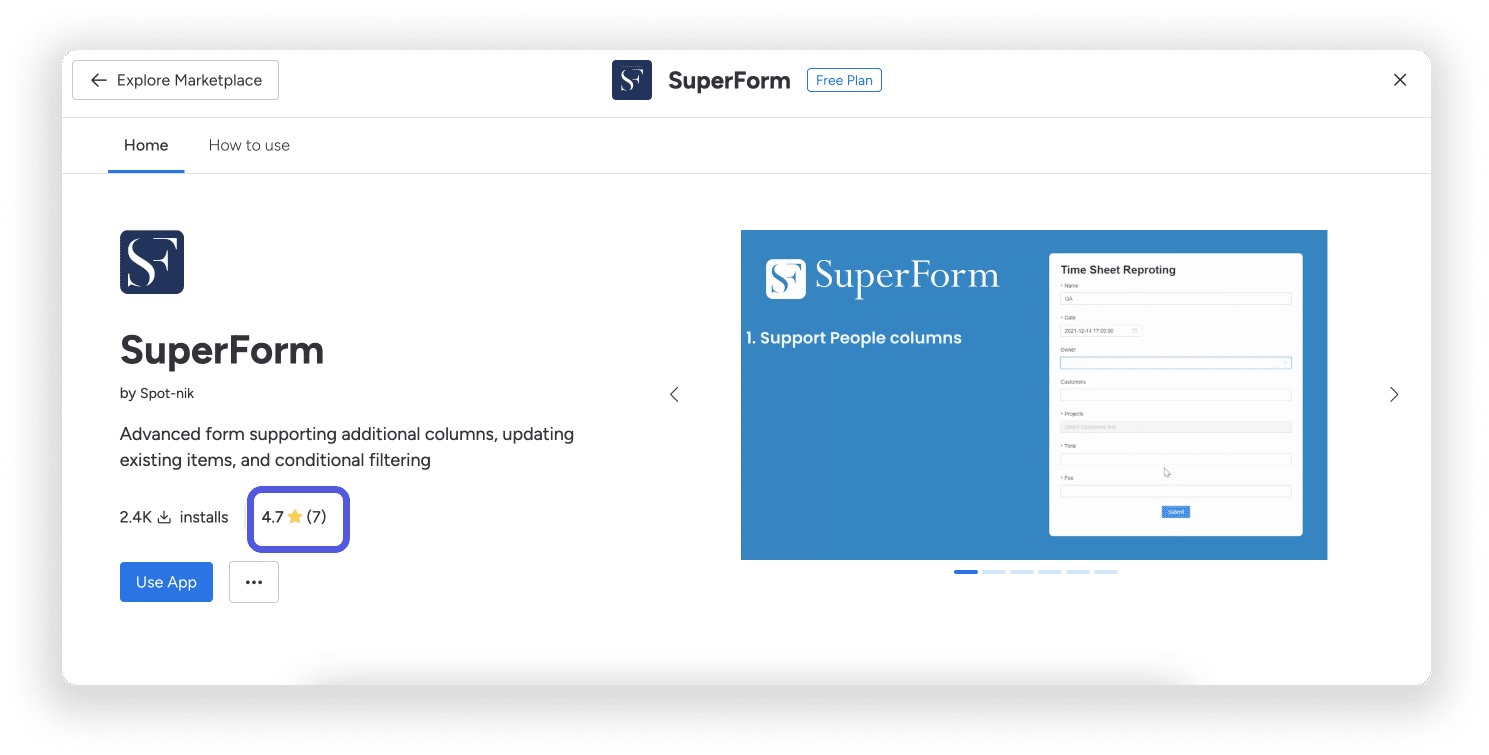
You can view the average rating for any app in the Market that has earned enough ratings to generate an average. The average rating is viewable on any app card in the Market or when you open an app to install or for more information.
The first number represents the app’s average rating, while the number in parentheses indicates how many people voted.
Can I change my rating?
As long as the app is still installed on your account, you can change your rating as well as your written feedback! To do this, simply follow the steps you took to submit your initial review, change your rating, and click “Submit” again!