
How to integrate Harvest with monday.com for time and resource management

Harvest allows users to track time and expenses, manage team time, track expenses, and create time-based reports. It removes the manual aspect of time tracking and helps managers maintain a holistic view of project status, allowing them to receive payments by sharing billing documents with clients.
Now you can integrate all the data that Harvest tracks with your monday.com account, to enable operations between the two platforms and integrate project management with Harvest’s capabilities, so you can be sure you don’t miss a single detail.
How to add this to your workflow?
Step 1
To add an integration, go to the board where you want to create an integration and click the Integrations button located in the top right corner of your screen, as shown below:
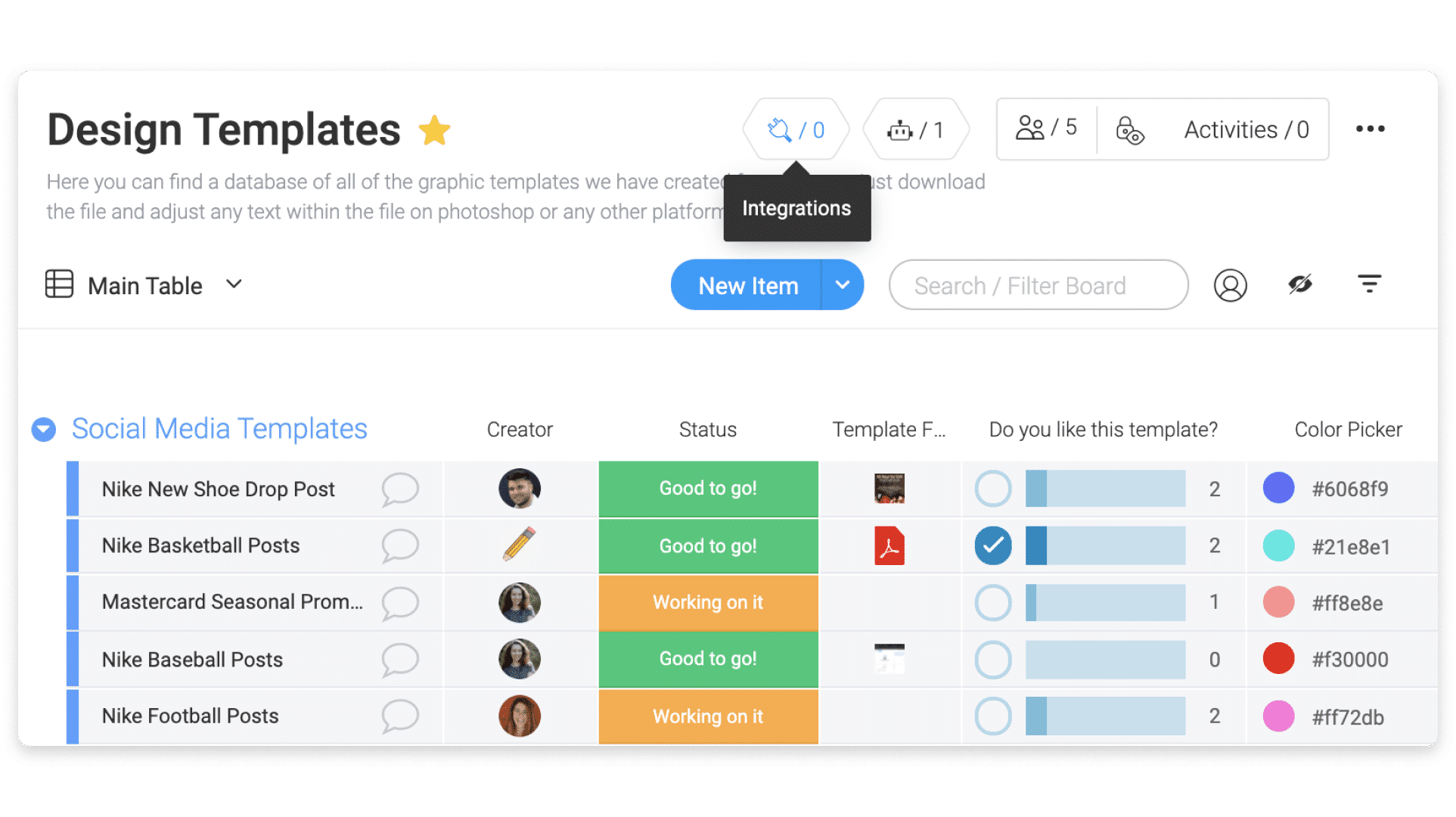
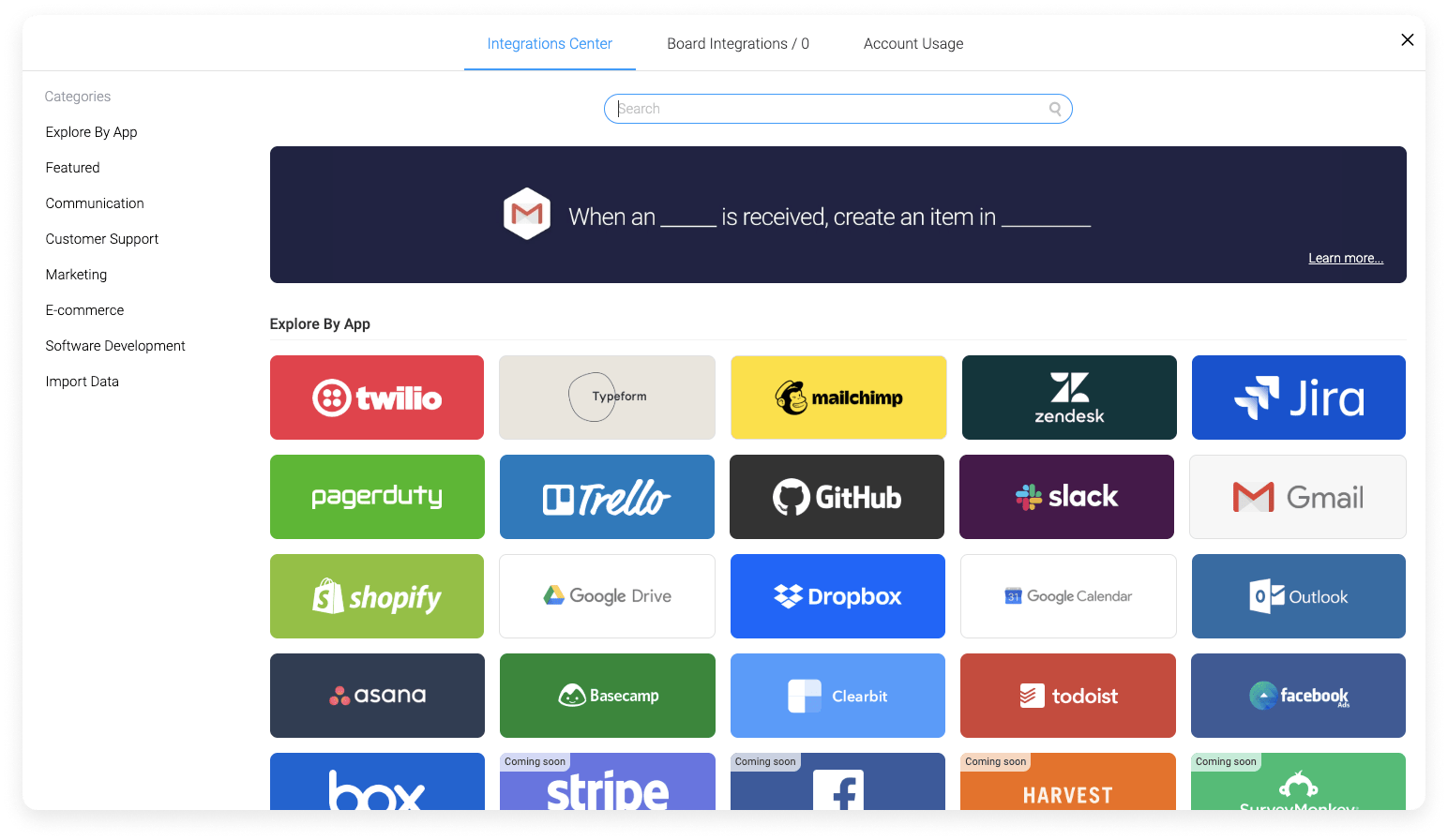
Once you’re on the page, you’ll see all the amazing apps we have to offer for integration, so go ahead and select “Harvest”:
Step 2
Once you click on the Harvest integration banner, you will find the two recipes that the integration offers:
- When time logging is added, create an item
- When creating an item, create a project for a customer
Select the automation you want to create.
Step 3
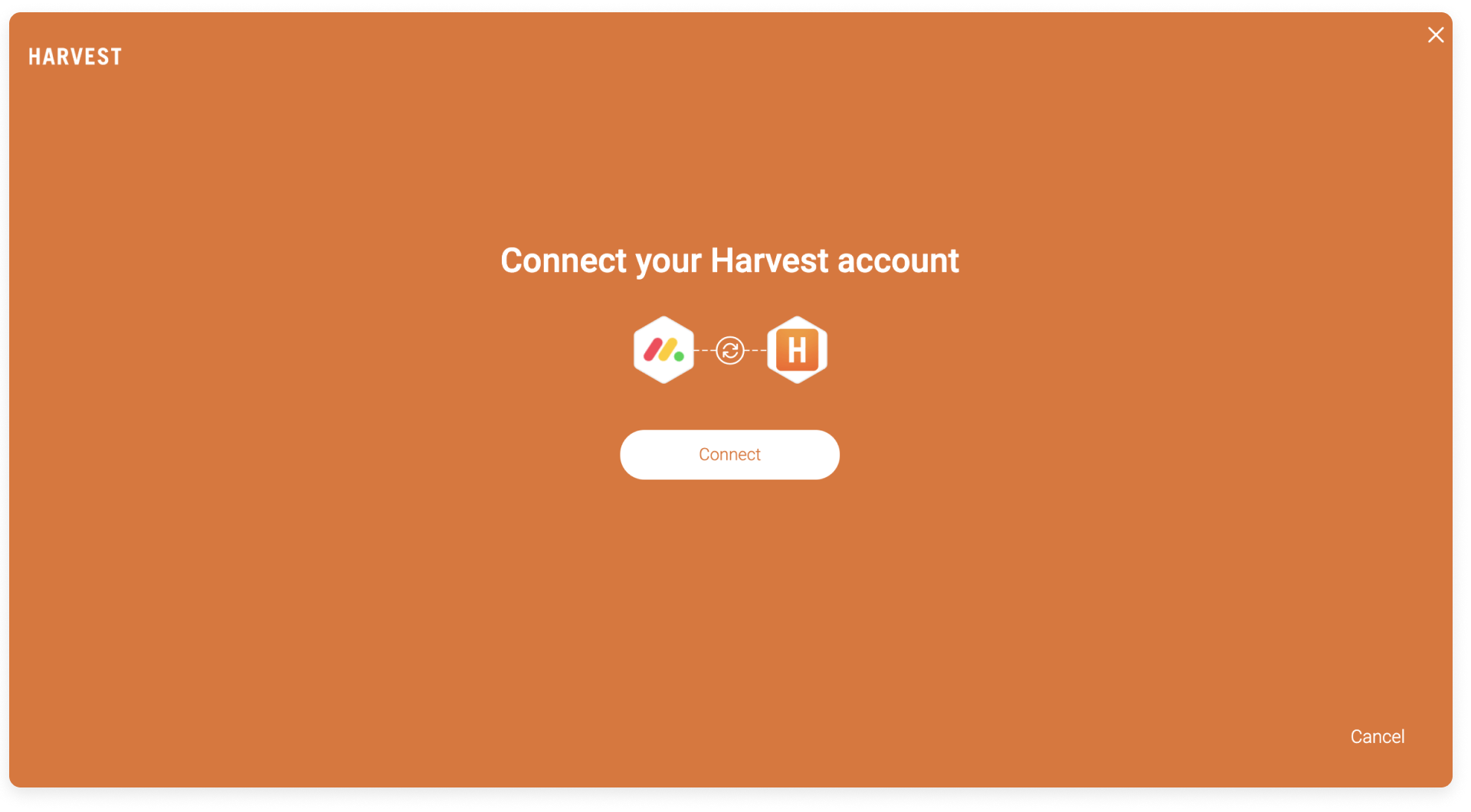
After clicking on one of the recipes, you will be asked to connect your monday.com account with your Harvest account:
You will then be prompted to enter your Harvest account login details, as shown below:
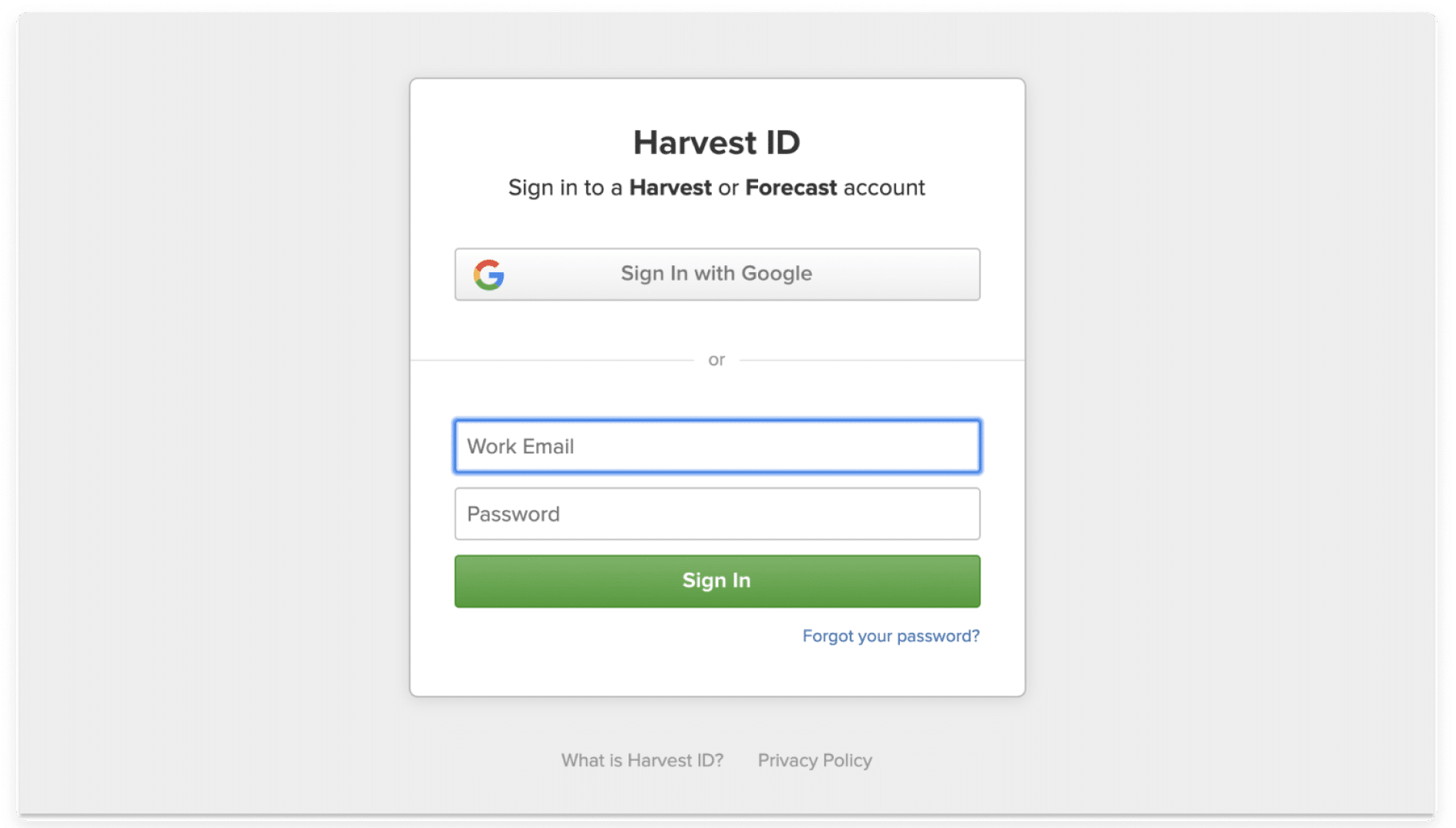
Now that you’re logged in to your Harvest account, you can set up your recipes to start working with both accounts.
Step 4
Once you have selected one of the two recipes and connected the accounts, you will be taken to the integration window. Here you can set up the automation and select the relevant field directly from your Harvest account.

Once this is set up, you can start following monday.com updates directly on Harvest to see the information in both places and better track your time based on the items added to your monday.com boards.
