
Guides> Google Analytics Guide
Using A/B testing to improve conversions with Google Analytics
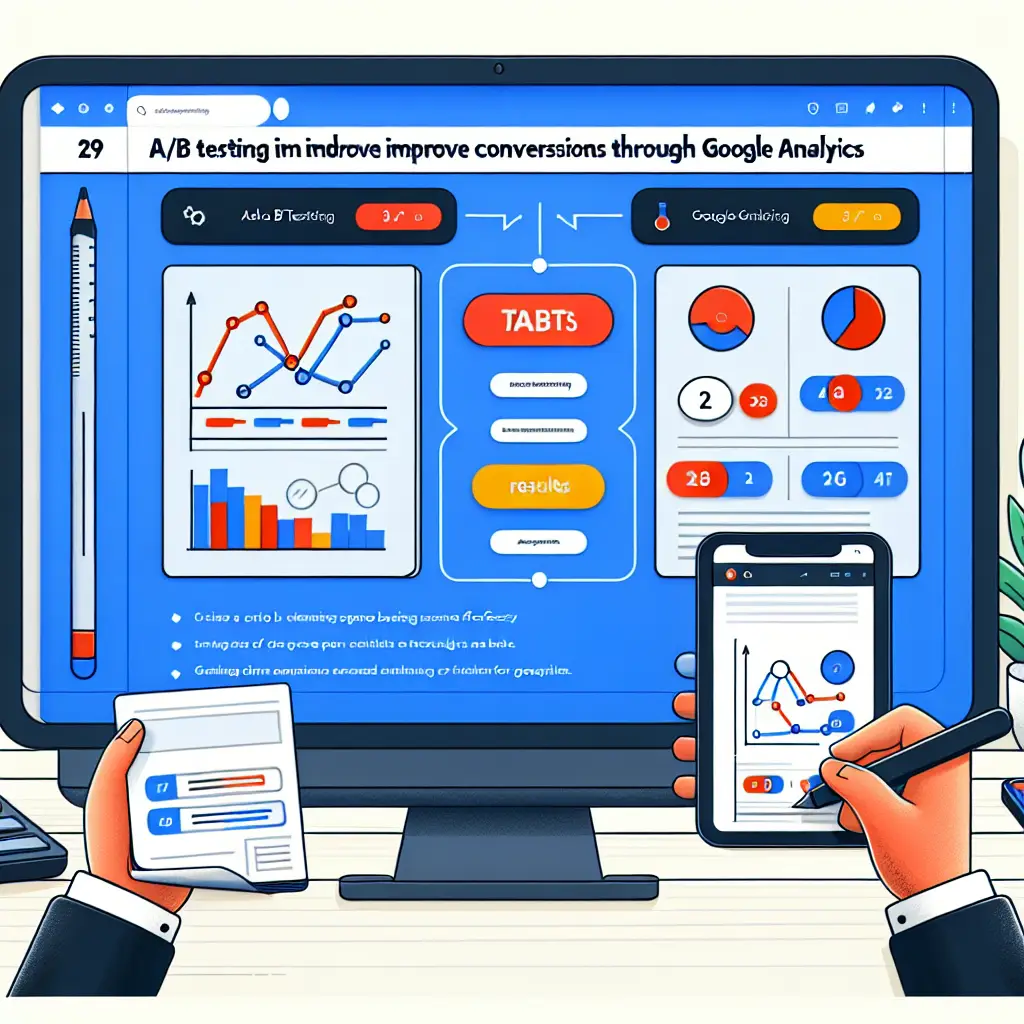
What are A/B tests?
A/B testing is an experiment where you develop two versions of something on your website – whether it’s a landing page, a call-to-action button, or even the overall design of your website. By comparing the performance of each version (A vs. B), you can figure out which one is generating the highest conversions. With the new GA4 tools, the process has become more streamlined and accurate.
The benefits of A/B testing
A/B testing offers several significant benefits:
- Performance improvement: By experimenting with different versions, you can identify which changes lead to better results.
- Deep understanding of users: Tests provide insights into user preferences, allowing you to tailor content and design to their needs.
- Risk reduction: Instead of making a major change to the site, you can test the impact of the changes on a small group of users before making the change to all users.
Using Google Analytics 4 for A/B testing
The move to GA4 adds many advanced features for monitoring and analyzing user data. The key improvement in A/B testing is the ability to understand user data at the user level, not just at the session level. This information allows for more accurate analysis of user behavior and better conclusions.
Steps to create an A/B test in GA4
- Setting Goals: First of all, you need to define the purpose of the test. Are we looking to improve conversion rates by changing the call-to-action button, or perhaps testing different colors for the page title?
- Installing Google Optimize: To perform an A/B test with GA4, we will use Google Optimize , another tool from Google that integrates with GA4 and allows for the efficient execution and management of A/B tests.
- Setting up the test within Google Optimize: When setting up the test in Google Optimize, we will reduce the number of variables and narrow the test to one central variable to prevent bias.
- Selecting success metrics: You must select the key success metrics, for example, conversion rate, number of clicks on a specific button, or length of time spent on the page.
After the test has been running for a specified period of time (usually a few weeks), we will begin analyzing the results. GA4 allows for a deeper and richer analysis of the test results. One effective method is to view specific reports that include breakdowns by various user characteristics (such as age, gender, geographic location).
How to improve conversions
- Deep Analytics with BigQuery: Many companies use BigQuery for advanced data analytics. This integration enables more complex modeling and deep analytics that remove the boundaries of GA4 data analysis.
- Real-time adjustments: GA4 allows for real-time adjustments based on test results, so when you see a winning version, you can quickly implement it to all users.
User experiences in GA4
Using GA4 brings clear benefits in terms of flexibility and customization of the information displayed. With GA4, marketing managers can create and manage custom funnels and unique metrics that allow them to see the customer journey in the most fundamental way. Tools like audience analysis and user history provide richer context for A/B test results.
Understanding the customer journey
GA4 offers advanced tools for understanding the customer journey, including:
- Tracking interactions: You can track various user interactions on the site, such as clicks, scrolling, and conversions.
- Audience analysis: You can create different audiences based on user behavior and analyze the performance of each audience separately.
- Custom Reports: GA4 allows you to create custom reports that display the most important information for your business.
Screenshot recommendations
- Capture the setup screen showing different variations (A and B) and how they are configured.
- Highlight key metrics used to evaluate the A/B test results, such as conversion rates, user demographics, and behavior flow.
- Display the interface where GA4 data is exported to BigQuery for advanced analysis.
In conclusion, utilizing the A/B testing capabilities in GA4 gives you the tools to continuously improve the user experience and improve conversions in your business. The key is to properly understand the data and how to use it most effectively in order to make informed decisions to improve performance.
The challenges of A/B testing
Despite the many benefits of A/B testing, there are also challenges that are important to be aware of:
- Time requirements: A/B tests require time to collect sufficient data, which can delay decision-making.
- Possible biases: Be wary of biases in the results, such as if a certain group of users is exposed to only one version.
- Setting incorrect metrics: If you do not set correct metrics for success, the results may be misleading.
Tips for preventing problems
To avoid problems with A/B testing, consider the following tips:
- Define clear goals and precise metrics before the test begins.
- Use random user groups to avoid bias.
- Analyze the results in depth and examine all variables that could affect the results.
summary
A/B testing is an essential tool in digital marketing, especially in the GA4 era. It allows you to understand user behavior and improve the user experience on your website. With GA4 and Google Optimize, you can easily and effectively conduct experiments, ultimately improving your business’s conversions.
The future of A/B testing
As technology advances, so too does A/B testing. With improvements in GA4 and other tools, we can expect a future where A/B testing will be more accurate, faster, and more efficient. The use of artificial intelligence and advanced data analytics will allow marketers to gain real-time insights and make immediate changes to their website.
Artificial Intelligence in A/B Testing
Artificial intelligence can improve the testing process in several ways:
- Automatic optimization: AI-based tools can analyze the results and automatically optimize the different versions.
- Predicting results: Algorithms can predict which changes are likely to yield the best results based on past data.
- Sentiment analysis: Analyzing user sentiment can help understand their reactions to the different versions.
Future summary
A/B testing is not just a tool for testing different versions, but also a way to understand users in a deeper way. As technology advances, so too will our ability to analyze and improve the user experience. With GA4 and other tools, we can continue to improve the performance of our websites and achieve better results.