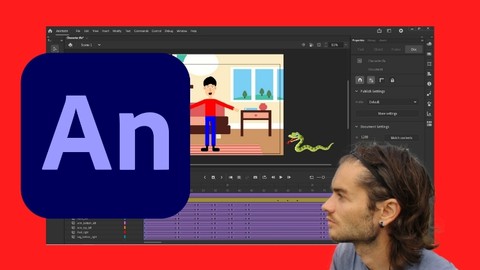
Are you ready to bring your designs to life? Adobe Animate is the perfect software for designing vector drawings and creating animations. This software has two distinct parts: a design part where you can create shapes, scenes, or characters with different tools, and an animation part where you can manage frames per second, among other things.
Animating with Animate has never been so amazing, and with this course, you can learn how to use Adobe Animate from scratch. This beginner’s guide is designed for anyone who wants to get started in animation with reference software. Whether you are a beginner in graphics and animation or experienced in animation, this course will be adapted to your needs.
Who is the course for?
This course is for anyone who wants to learn how to design and develop animations. If you need to make animations for personal or professional projects, then this course will provide an excellent basis for creating your animations.
Description of the course
We will work in a learning logic, starting with the discovery of the dashboard, and then work on the design part. Different tools, which will include pen tools, shape tools, text tools, and more, will be covered in detail for the design part. Once this part is completed, we will move on to the animation part.
The animation part will cover how to use the timeline with images and symbols to create animations. You will learn how to apply frame by frame animations and create motion tweens and shape tweens. Several examples and projects will be included, and we will work on creating a simple character, step by step, and animating it in a scene.
By the end of this course, you will have a solid understanding of Adobe Animate and be able to create vector drawings and animations that are simple or complex. No prior knowledge of Adobe Animate is required to take this course, and you will be able to follow along with the instructor as they guide you step by step.
Benefits of the course
This course will provide you with the following benefits:
– Learn how to use Adobe Animate from scratch
– Understand the design and animation parts of Adobe Animate
– Discover the different tools available in Adobe Animate
– Create simple or complex animations with the use of images and symbols
– Master frame by frame animation, motion tweens, and shape tweens
– Create a simple character step by step and animate it in a scene
Conclusion
Adobe Animate is a powerful software that allows you to bring your designs to life, and this course is the perfect way to get started. With step-by-step guidance and easy-to-follow examples, this course will help you get up to speed with Adobe Animate in no time.