
Guides> Google Analytics Guide
Operating system and screen resolution in Google Analytics
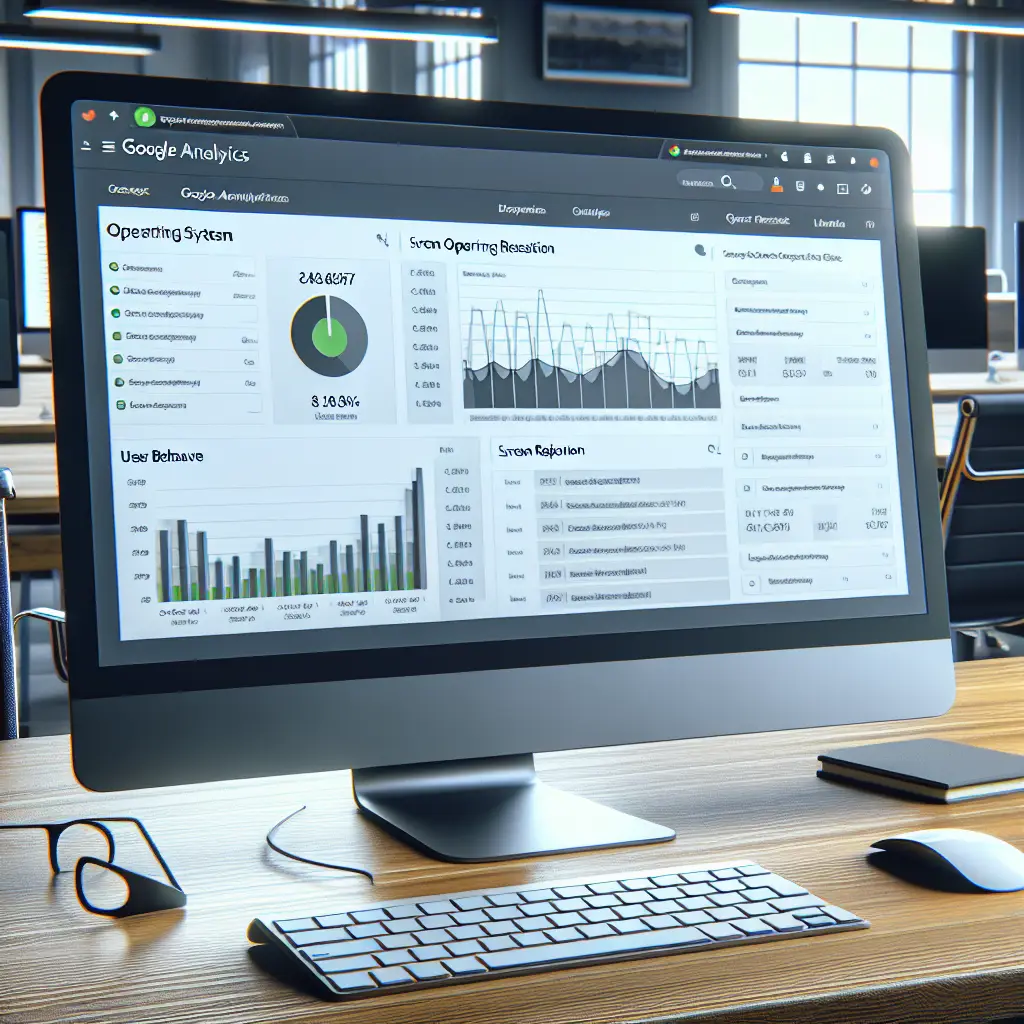
In today’s digital age
In today’s digital age, when so much of our communication and activity takes place online, it is essential to understand the technical features that allow us to best consume content. One of the main tools for generating this information is Google Analytics GA4, which offers many tools for analyzing and monitoring activity on websites and apps. Among the key tools in GA4 is monitoring the operating system and screen resolution of users. These functions allow webmasters and developers to better understand their users and improve the user experience accordingly.
What is GA4?
Let’s start with a brief explanation of GA4. Google Analytics 4 is the new version of the popular tool for analyzing website and app usage data. Compared to previous versions, GA4 includes advanced features such as event categories, real-time reports, and machine learning-based insights that enable smarter decision-making based on usage data.
The importance of operating system data and screen resolution
When we look at Operating System and Screen Resolution data in GA4, we gain the ability to derive important insights into how our website or app is perceived by different users. For example:
- Operating system: Collecting information about the operating system is essential to identify which systems the users are using. This way, you can understand whether special adjustments are needed for Android, iOS, Windows, or macOS. Each operating system may require different adjustments to the display and functionality of the app.
- Screen resolution: It’s important to know how your content will display on screens with different resolutions. Users browsing on tablets, smartphones, and desktops will experience your content differently, so it’s important to make sure the display is clear and accessible to everyone.
How to collect and use this data in GA4
To take advantage of GA4’s power in collecting data about operating system and screen resolution, we need to properly configure the appropriate Tags and Event Categories for tracking. Here are a few simple steps to get started:
- Make sure your GA4 account is set up and connected to your website or app.
- Go to the “Reports” tab and then to “Audience Reports.”
- Select the “Technology” report to view the full breakdown of operating systems and screen resolutions.
- Study the reports to identify important patterns like most users browsing using a particular iOS or a very popular resolution.
How data interpretation can lead to improvement
When the insights are clear, the information collected in GA4 can be used to improve various aspects of your website or app. For example:
- Display Adjustment: If you notice that many users are browsing at a particular resolution that is not well supported, it is a good sign to make adjustments to improve the user experience.
- Development for quality: Information about operating systems can help when it comes to planning application development, as you can emphasize compatibility with the systems common among your users.
Screenshot recommendations
- Screenshot Suggestion: Open the “Reports” section in GA4, then navigate to “Audience” followed by “Technology”. Capture a screenshot showing Operating System statistics.
- Screenshot Suggestion: In the “Technology” report, adjust the secondary dimension to “Screen Resolution” and capture a screenshot of the data visualization.
summary
Using GA4 OS and screen resolution data wisely can significantly improve your website or app. Understanding the platforms and resolutions that are most popular among users will allow for specific customization and make the user experience richer, more satisfying, and ultimately, leads to more engagement and conversions.
Understanding users
To better understand our users, it’s important to collect more data beyond operating system and screen resolution. Data like geographic location, language, and devices used can add another layer of understanding. For example, if most of your users come from a certain country, you may want to tailor your content to the local language or culture.
Improving the user experience
Improving user experience is an ongoing process. Once you’ve identified potential issues with the appearance or functionality of your site or app, you should experiment and test improvements. For example, if you find that many of your users are browsing at low resolutions, you might want to test how your content displays at different resolutions and make changes accordingly.
A/B experiment
A/B testing is a great tool for testing improvements. With A/B testing, you can compare two different versions of a page or app and see which version performs better. This can be especially useful when you’re trying to improve the user experience based on GA4 data.
Using additional tools
In addition to GA4, there are other tools that can help you analyze user experience. Tools like Hotjar or Crazy Egg can provide you with insights into how users interact with your site, including heatmaps and user recordings.
Interim summary
In conclusion, GA4 is a powerful tool that can help you understand your users in a deeper way. By analyzing operating system and screen resolution data, you can make significant improvements to your website or app. Don’t forget to combine the data with additional insights and run experiments to ensure you are providing the best user experience.
Continue on the road
Now that you’re armed with knowledge about GA4, the operating system, and screen resolution, it’s time to start implementing this information. Start collecting data, analyzing the results, and making improvements. Remember, user experience is the key to success in the digital age, and data is your tool for continuous improvement.
Good luck on your journey to improve the user experience!
Understanding user behavior
As part of understanding users, it is also important to focus on their behavior on the site or app. User behavior analysis can include:
- Time on page: How long do users spend on different pages? Are there any pages they leave quickly?
- Navigation routes: What routes do users tend to take? Are some routes more popular than others?
- Content interactions: Are users clicking buttons, watching videos, or reading content? This analysis can help you understand what interests users.
Using behavioral data
Behavioral data can be used as a basis for further improvements. For example, if you see that users are quickly leaving a particular page, you might want to examine the content on that page and see if improvements are needed. Similarly, if you see that users tend to click on a particular button, this could indicate that that button is prominent or interesting.
Continuous improvement
Improving user experience is an ongoing process. It’s important to continue to collect data, analyze it, and make improvements. The better you understand your users, the better you can provide them with a better user experience.
summary
GA4 is a powerful tool that gives you the ability to understand your users in depth. By analyzing operating system data, screen resolution, and user behavior, you can make significant improvements to your website or app. Don’t forget to combine the data with additional insights and run experiments to ensure you’re delivering the best user experience.
Good luck on your journey to improve the user experience!