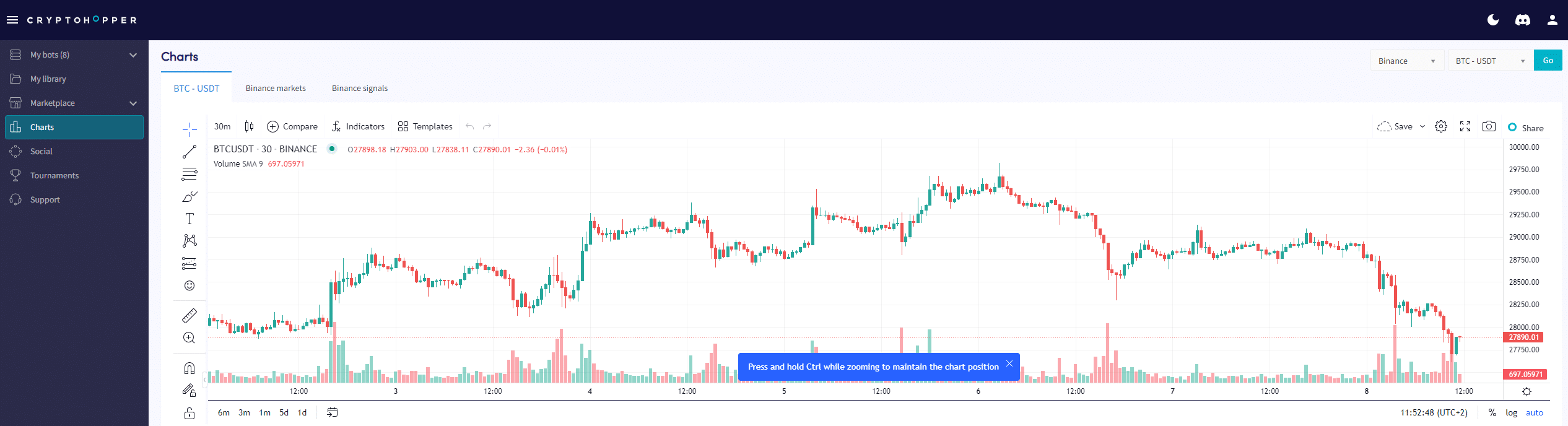
How to understand graphs on Crypto Hopper

This guide shows where and what can be found on the graph pages.
Prerequisites
Before starting use, make sure of the following:
- You have a Cryptohopper account.
- You have a Pioneer, Explorer, Adventurer, or Hero subscription on Cryptohopper
Where to find the graphs page
- Log in to your Cryptohopper account.
- Click on “ Graphs ”.
- Choose your exchange and trading pair.
- Click “Go”.
- Draw on the graph with the simple tools, or
- Draw on the graph with the advanced tools.
- Check the “Market” tab.
- See the “Signals” tab.