How to set up CryptoTweeter in Crypto Hopper
This guide shows how to set up CryptoTweeter.
Prerequisites
Before you begin, make sure of the following:
- Do you have an account on Cryptohopper?
- Do you have a Twitter account?
Establishing CryptoTweeter
- Access your Cryptohopper account.
- Click on “Marketplace”.
- Click on “Apps”.
- Click on “ CryptoTweeter ”.
- Choose what you want to connect.
- Log in with Cryptohopper. This will start the OAUTH process, which is an authentication process that allows Cryptohopper to read and send data. This allows it to post tweets on your behalf.
- Confirm the verification.
- Connect with Twitter.
- Select the bot you want to use to tweet.
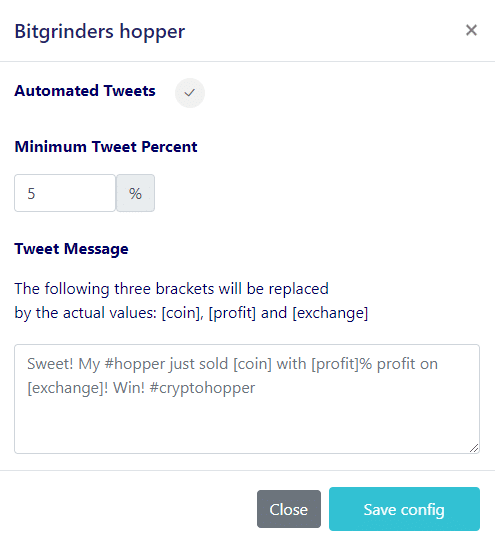
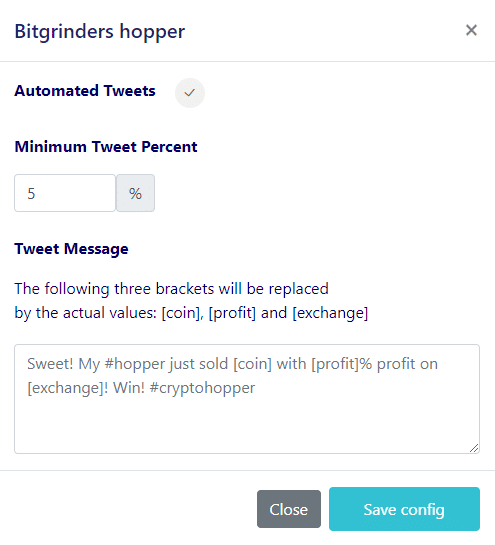
- Choose your percentages.
- Create a Twitter message.