How to set up Copy Bot on Crypto Hopper
This guide shows how to set up a Copy Bot and explains what settings need to be filled out.
Prerequisites
Before you begin, check the following:
- Do you have an account on Cryptohopper?
Setting up a Copy Bot
- Click on the “My bots” category at the top left of the menu.
- Click on “ View all ”.
- Click “+New” at the top right.
- Click on “Copy Bot”.
- Choose the Copy Bot you want and purchase the subscription.
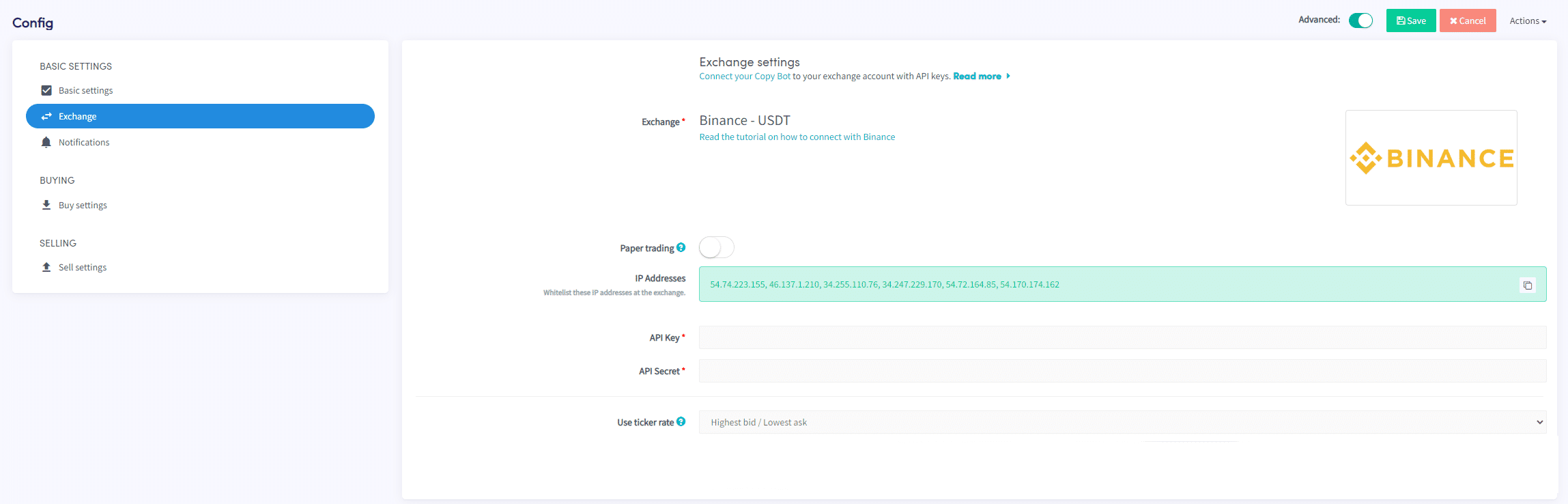
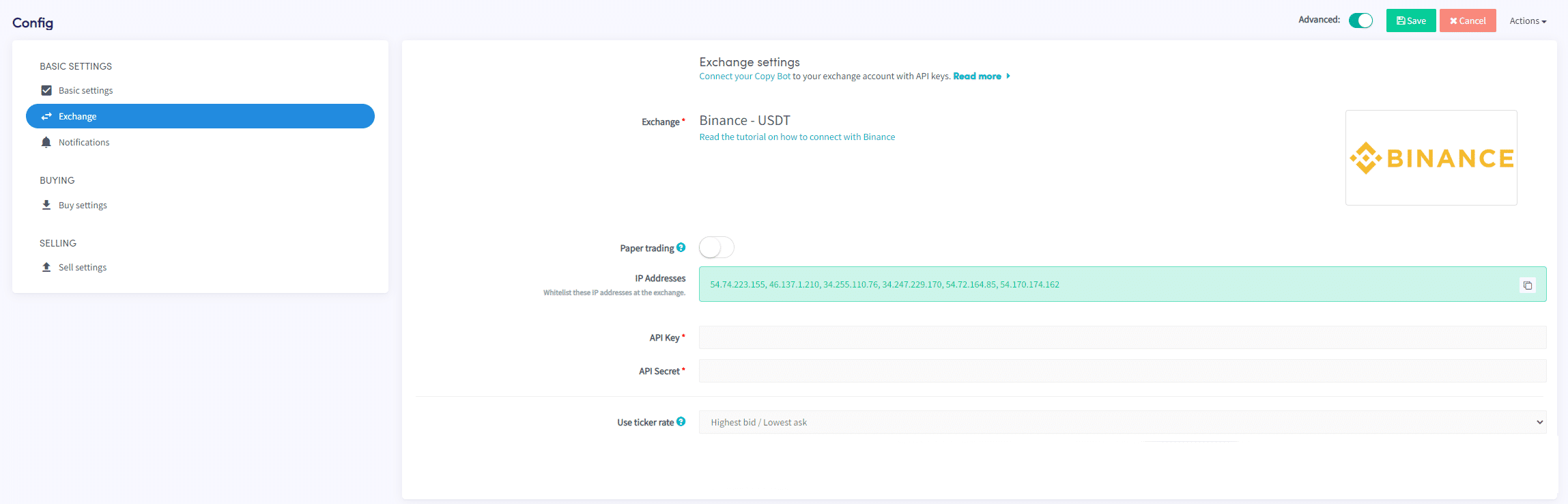
- You have created a Copy Bot. If you want, you can adjust some settings, but this is not mandatory. Only the API keys are required or you will need to enable the Paper Trading button. You will find this under “Exchange”.
- Click on “Configuration”.
- Click on “Basis Settings.” Fill in the fields.
- Click “Exchange.” Fill in the fields.
- Click “Notifications.” Fill in the fields.
- Click “Buy settings.” Fill in the fields.
- Click “Sell settings.” Fill in the fields.
*Tip: Click the question mark next to the definition for more information.