
How to purchase discounted subscriptions on Crypto Hopper

This guide explains how to get a discount on bot subscriptions when purchasing them in bulk.
Prerequisites
Before purchasing discounted subscriptions, make sure you have the following:
- You have a Cryptohopper account.
- You already have a minimum of three subscriptions.
- Ensure you have enough Cryptohopper credits available
How to purchase discounted subscriptions
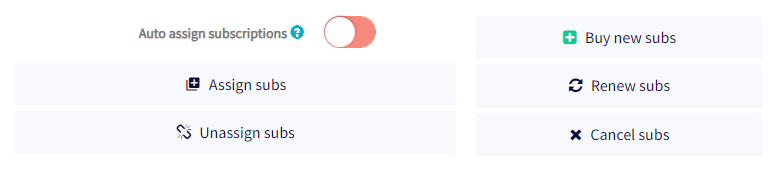
- Access the bulk manager feature in your Cryptohopper account.
- Go to the “Subscriptions” tab.
- Find the “Purchase New Subscriptions” option and click on it.
- Select the specific bot subscription you want to purchase in bulk.
- Decide whether you want a monthly or annual subscription plan.
- Determine the number of subscriptions you want to purchase.
- Choose your preferred payment method, which currently only includes Cryptohopper credits.
- Click the “Order Subscriptions” button to continue.
- Finally, assign the bot subscriptions you purchased to the bots you want.
Please note that the discount associated with bulk subscriptions will be automatically applied, and the appropriate payments will be deducted from your Cryptohopper balance. For more information on bulk subscription allocation and to review the available discount ranges, please refer to the relevant resources.
If you encounter any difficulties or need additional help during the subscription purchase process, you can contact the support team.