How to create a new bot on Crypto Hopper in a short time

This tutorial shows how to create a new bot with the Config Wizard.
Prerequisites
Before you begin, check the following:
- Do you have an account on Cryptohopper?
Creating a new bot with the Config Wizard
- Click on the top right of the menu, called “My bots”.
- Click “View all”.
- Click “ Config Wizard ” at the top right.
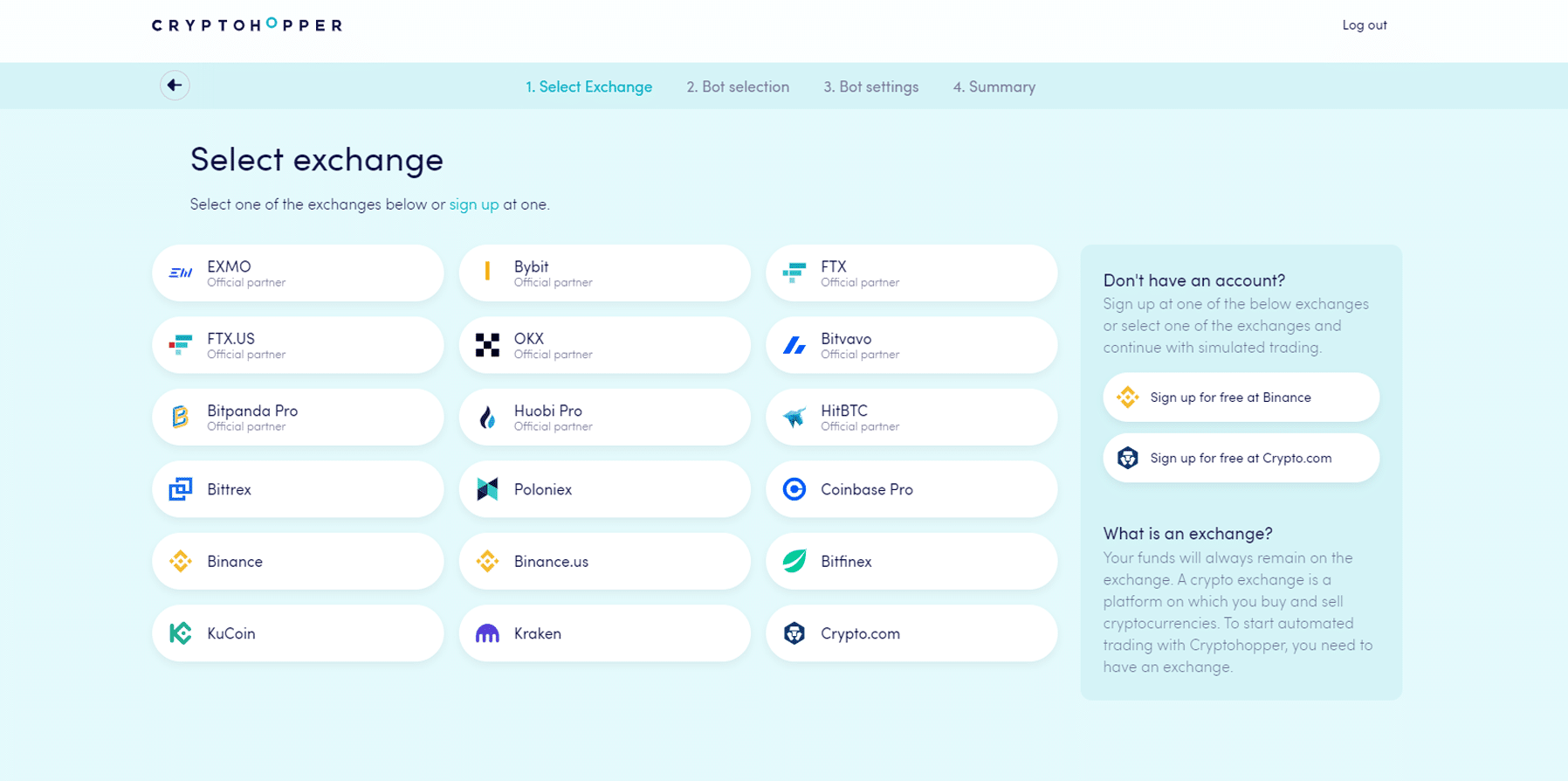
- Select the exchange you want to use and click on it.
- Fill in your API Keys or click on “Simulated funds.” When clicking on Simulated funds, you must select your quote currency.
- Click “Continue”.
- Choose between Follow signals and build your bot. Click on your choice.
- A. When you select “Follow signals”, select the signaler you want to follow and click “Subscribe”.
- B. When you have selected “Build your bot”, click on the risk strategy you want to use.
- You will see a summary of the bot you created. Click “Start trading”.
- You have created a new bot.