How to create a gift card on Crypto Hopper

This tutorial shows how to create a gift card.
Prerequisites
Before starting the process, check the following:
- You have a Cryptohopper account.
- Would you like to purchase a gift card?
How to create a gift card
- Log in to your Cryptohopper account.
- Click on “Marketplace”.
- Click on “ Gift cards ”.
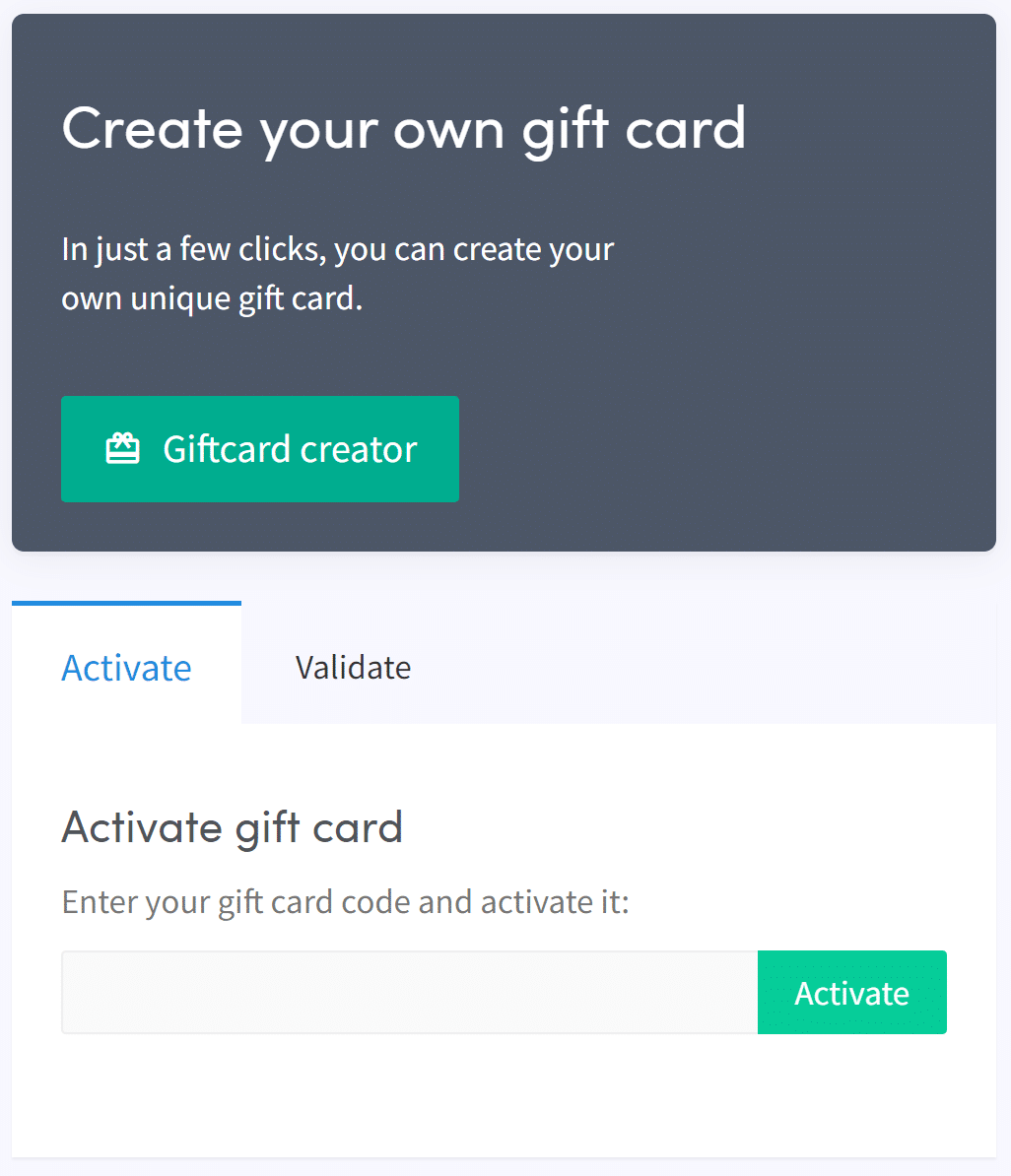
- Click on “Giftcard creator”.
- Choose a picture.
- Click “Next”.
- Select “Gift Card Type” and fill in the value.
- Click “Next”.
- Fill in the name.
- Click on “Create gift card”.
- Select the payment method you want to use.
- Check the box.
- Click “Pay now.” You will be taken to the website of your chosen payment method.
- Make payment for the gift card.
- After payment, you can use the gift card yourself or give it to someone else. Before using the gift card, it must be activated.
- Click on “Subscriptions”.
- Click on “Gift cards”.
- Fill in the code you received in the email and click “Activate”.