
How to connect EXMO to Crypto Hopper

To enable your bot to communicate with EXMO , you will need to create an API key. This key acts as a link between Cryptohopper and the exchange, allowing your bot to perform tasks such as placing automated orders and accessing your balance for calculations. Essentially, the API key is a way for your bot to communicate with the exchange and perform the actions needed for automated trading.
You may encounter an error during the Cryptohopper login process when connecting to EXMO, even if your API keys are correct. Common reasons for this include not having enough funds in your exchange account system, not having enough funds in your trading account (as some crypto exchanges distinguish between funding and trading accounts), or if you are not a verified user on the exchange (KYC). In this case, click ‘Continue without verification’. You can always verify your API keys later in your base configuration.
First step
If you haven’t done so yet, go to the EXMO website and create an account.
Step two
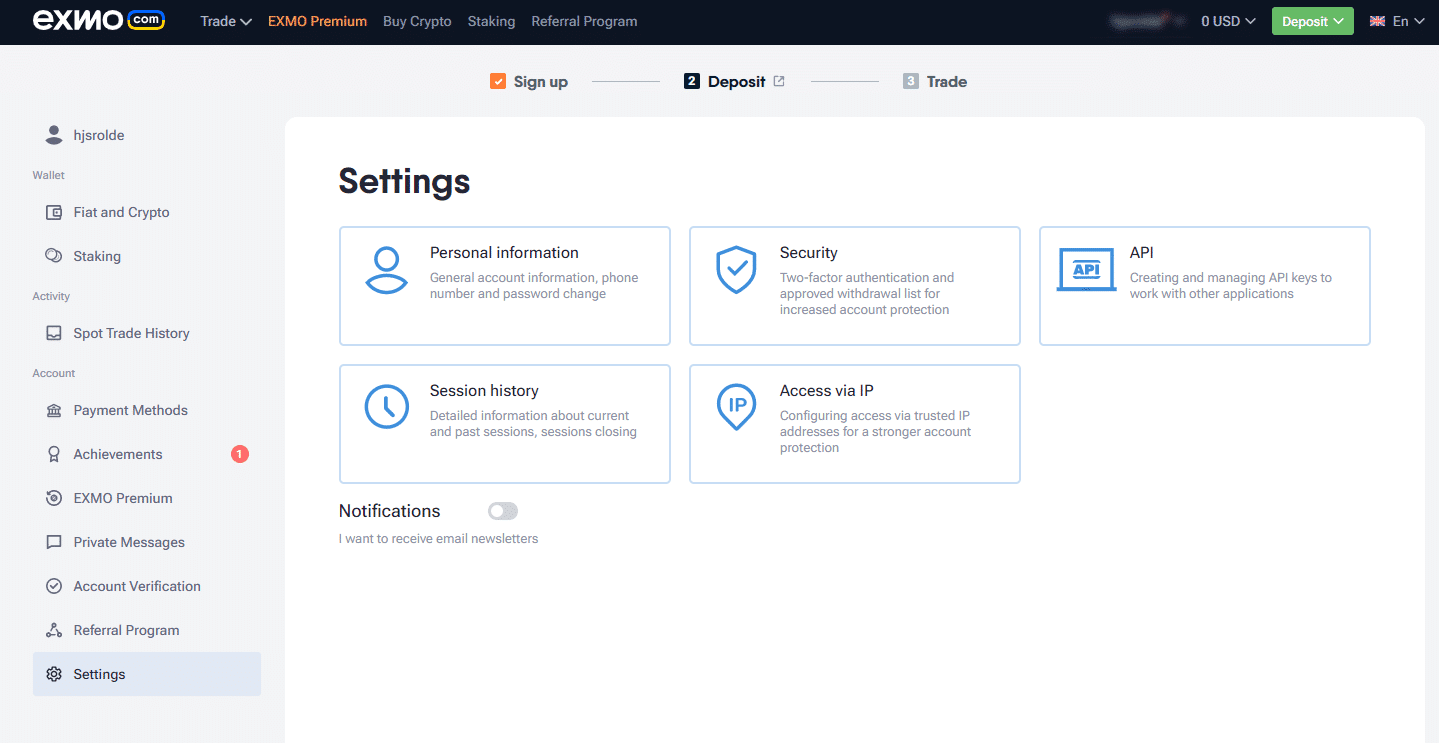
Choose a username, fill in your email address, phone number, password, and then click “Accept Terms and Conditions.”
Third stage
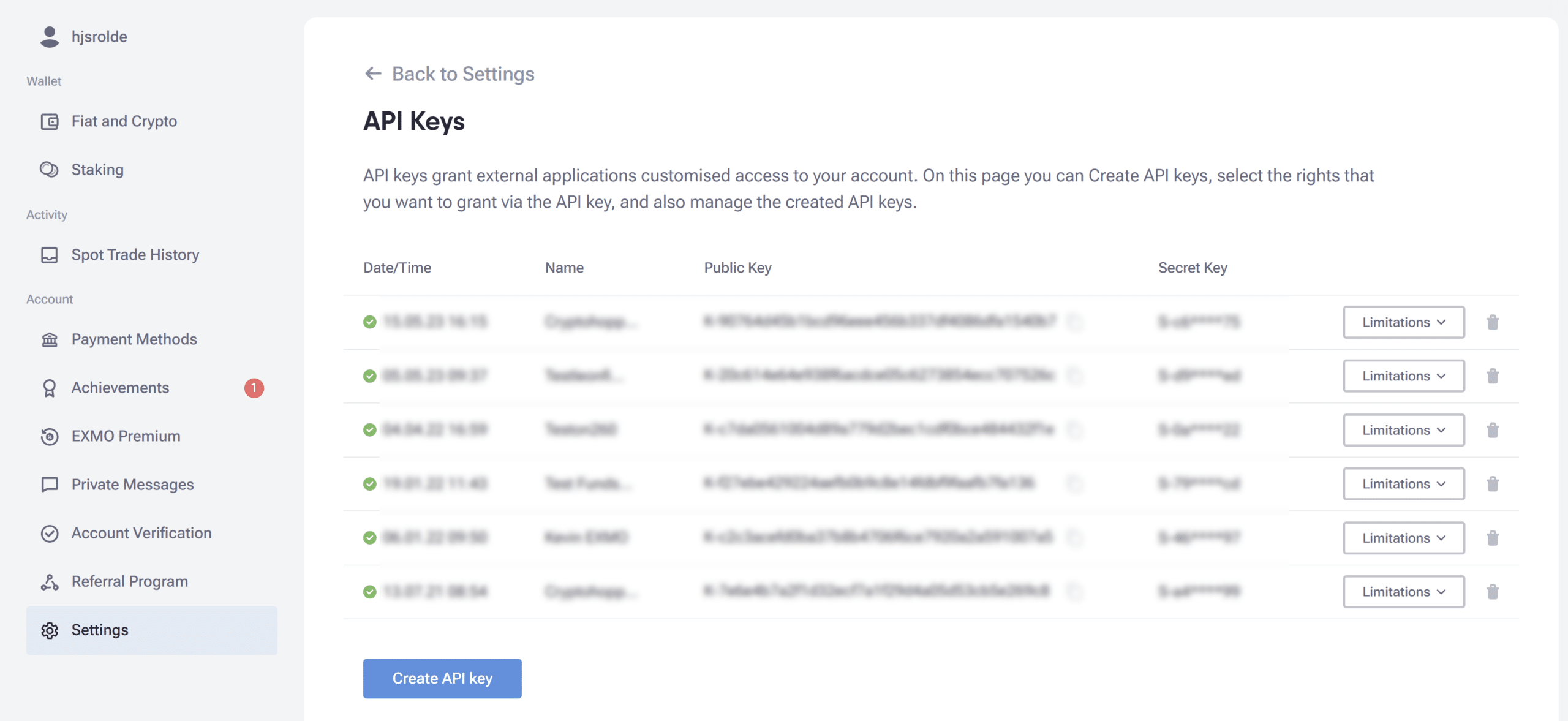
Click “Create API Key”
Step four
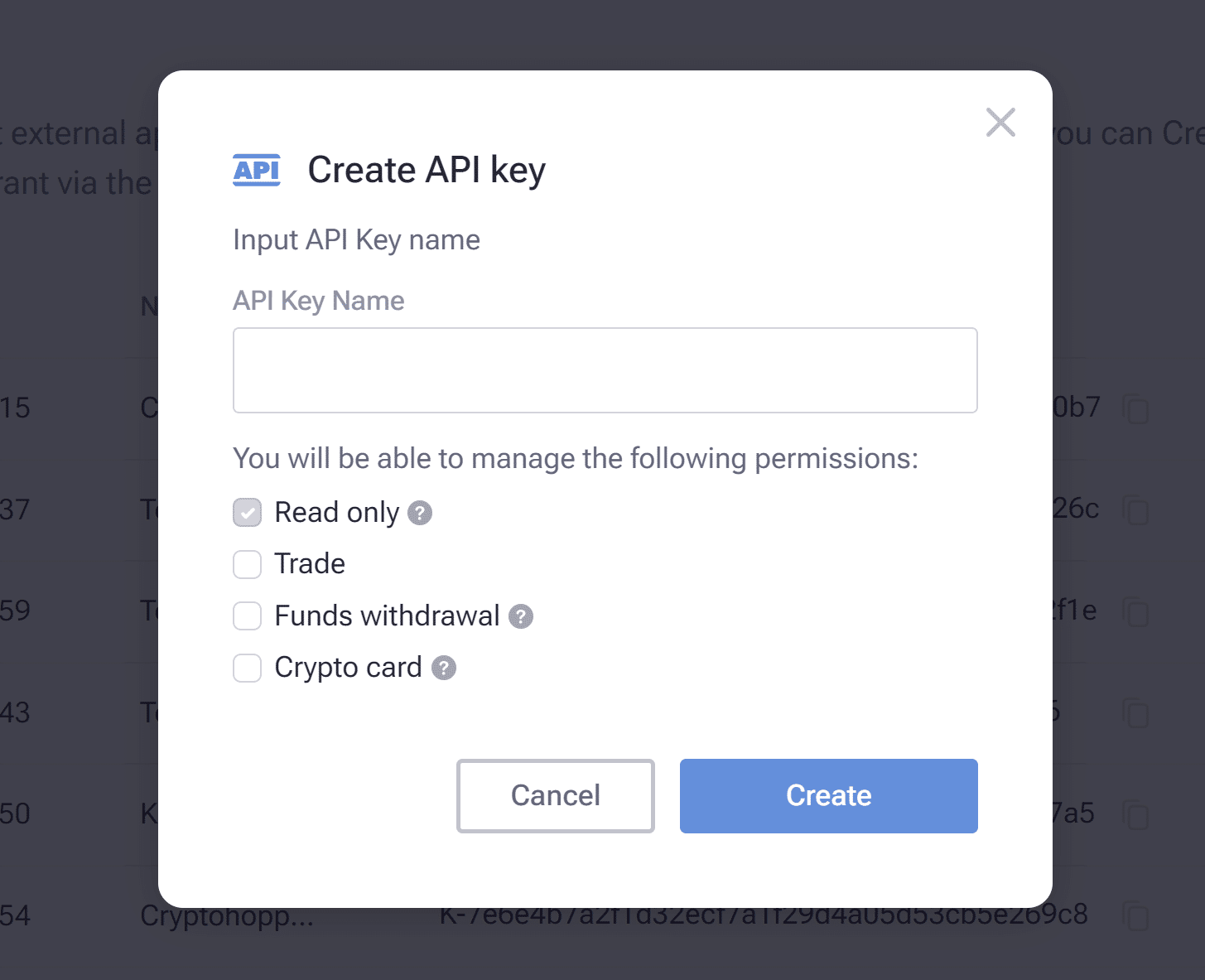
Give your API key a name, enable the “Trade” option, then click “Create.”
Fifth stage
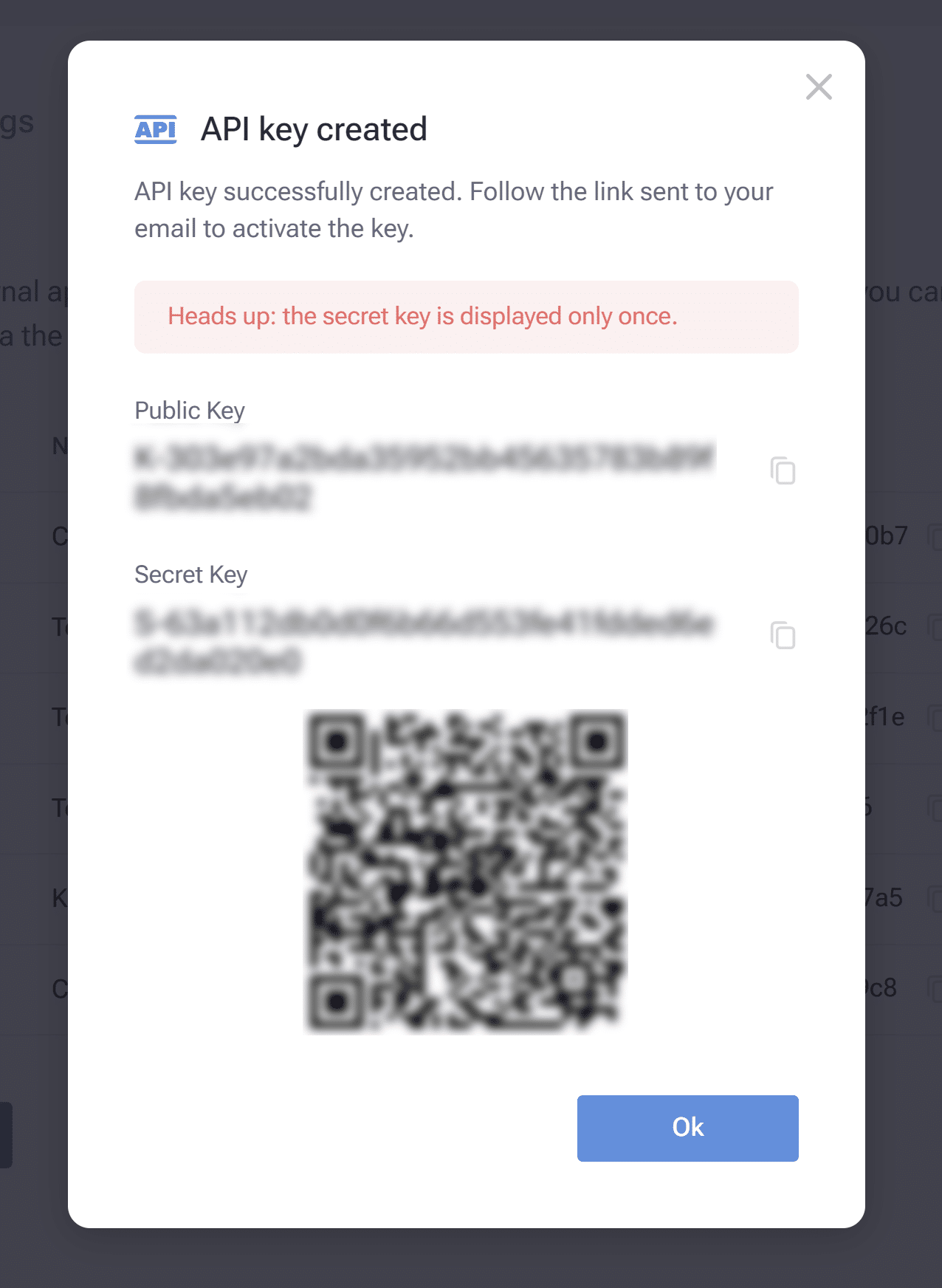
To link your EXMO account with Cryptohopper, you will need to copy the API key and API secret displayed in EXMO and paste them into the appropriate fields in Cryptohopper. After that, make sure to save your basic configuration settings.
Step Six
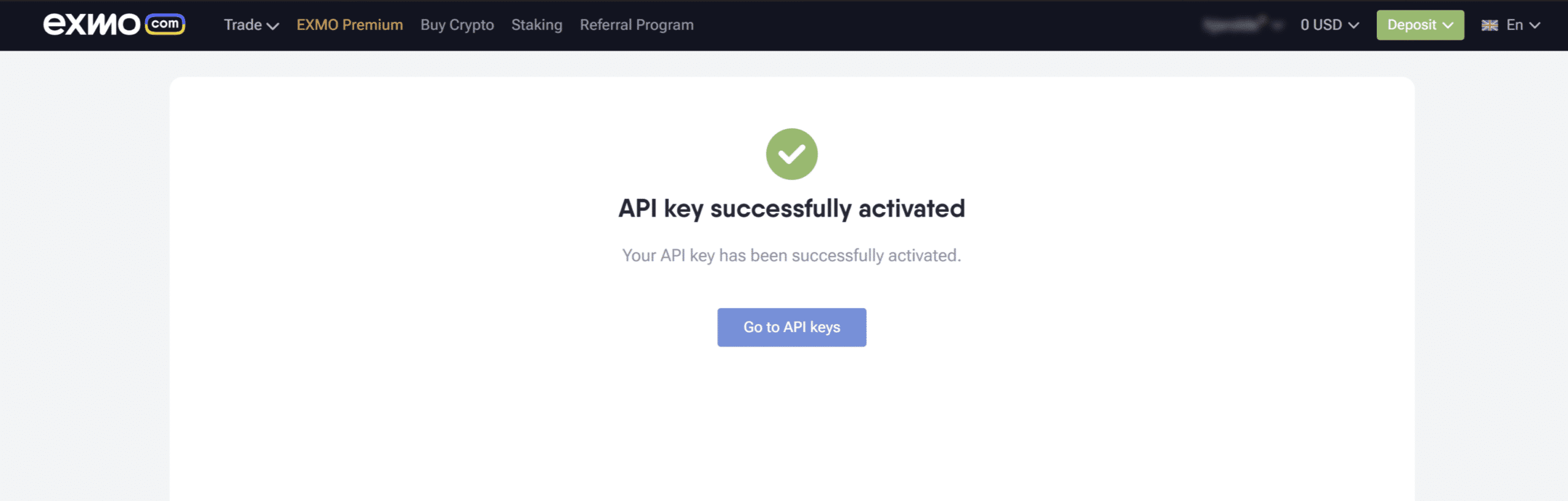
Next to the new API key you created, you will see an “Activate” button. Click it and you will receive an email with the final step to activate your API keys (this may take a little while). Give the bot some time and your funds will appear.
Unable to see the stock market balance
If you are unable to see your exchange balance, there may be some issues preventing your bot from syncing with your exchange. One common cause for this is that the “autofill” option is enabled in your browser. To fix this, you can try disabling autofill, using privacy mode, using a different browser, or disabling your password manager. For more information, you can watch Akademia Cryptohopper’s video on this topic or check out our troubleshooting article.
EXMO minimum trading amounts
Click here to see the minimum trading amounts on EXMO.
EXMO Status
If you are having problems trading on EXMO, you can check the current status of the exchange by clicking here .