How to choose a signaler on Crypto Hopper

This guide explains how to choose a Signaler that’s right for you.
Prerequisites
Before you begin, make sure of the following:
- You have an Explorer, Adventurer, or Hero subscription on Cryptohopper.
Choose a Signaler that suits you
- Access your Cryptohopper account.
- Click on “Marketplace”.
- Click on “ Signals ”.
- Select a Signaler you want to explore.
- Click on this Signaler. You are now on its page.
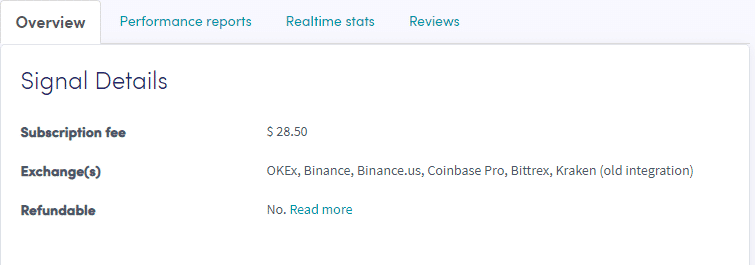
- Click on “Overview” and go through it.
- Click on “Performance reports” and go through it.
- Click on “Realtime stats” and go through it.
- Click “Review” and go through it.