
How to add a copy bot as a marketplace seller on Crypto Hopper

This guide shows the different settings when adding Copy Bot as a Marketplace Seller.
It is important to note:
- It is not recommended to use DCA or position merging as this may lead to matching issues, as the trader’s original order is not traceable.
- When using DCA, new users may experience different results if portfolio sync is active.
- As a trader, it is important to remember that using DCA and position merging can lead to matching issues, which can result in incorrect positions being sold. Users should be made aware of this when encountering such situations. In this case, it is possible that the copier may have another open position with higher or lower values than the trader.
- There is no solution to this problem, as it is not possible to track consolidated positions (DCA).
Settings below details
name
Fill in a name for your Copy Bot. By default, this will be set to what you saved the item as.
Description
Fill in a description of your product, provide expected performance, and leave your contact information, recommended settings, and anything else that matters.
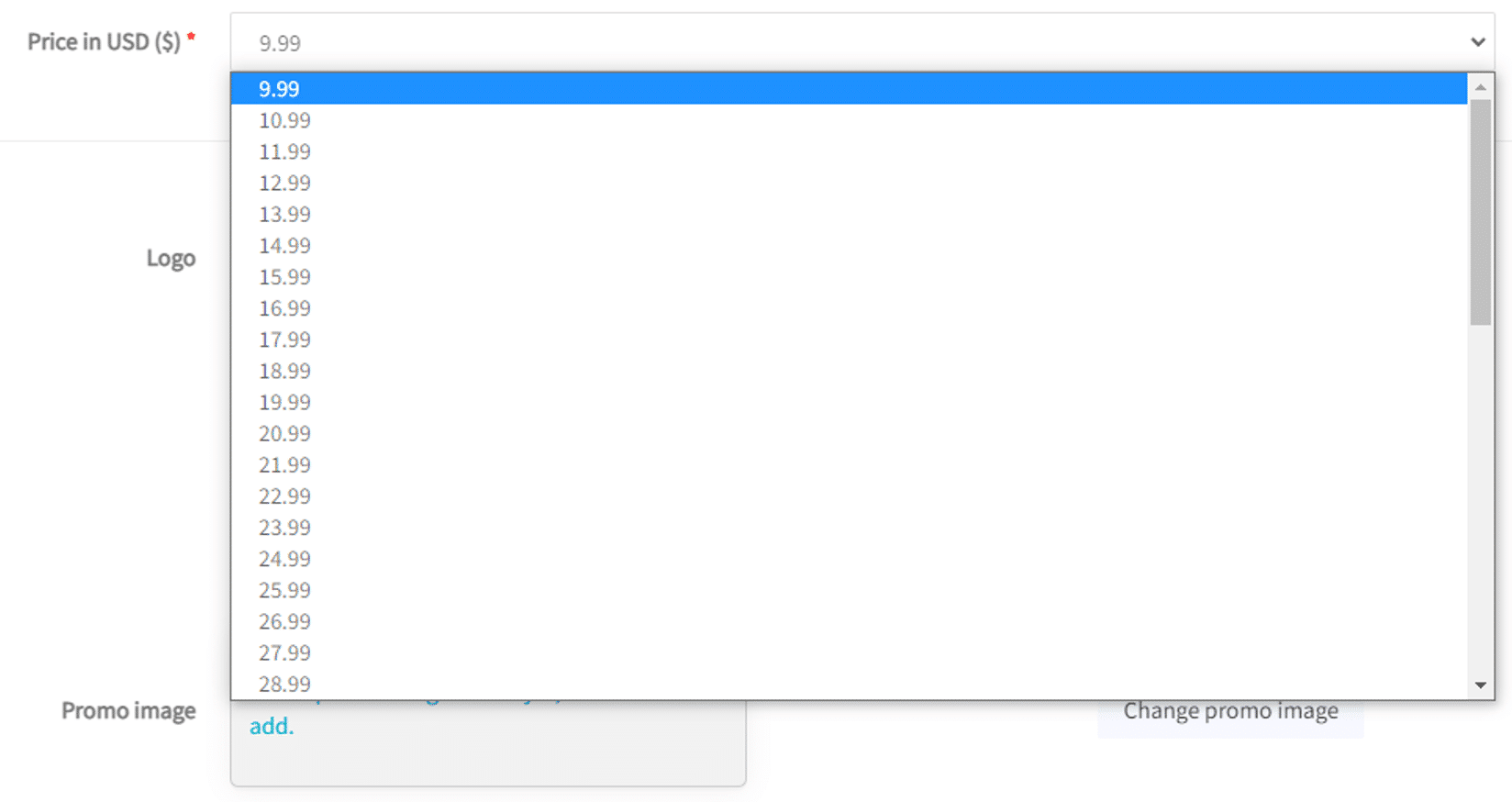
Price in US Dollar ($)
Choose a price. You can change it at any time. You cannot make a Copy Bot for free. The minimum price is $10 and the maximum price is $99. You can see how much you earn from each customer at each price level by clicking “View all prices and proceeds”.
Logo
Upload a logo. This is the image that will appear in the marketplace. The logo size must be 600px X 430px, otherwise it will not work. To change it, click on the “Change Logo” button or on the image itself and then select “Upload Logo”.
Promo
Upload a promo. This image appears as a banner at the top of the description. The mandatory size for the promo is 1200px X 450px. To change it, click the “Change Promo” button or on the image itself and then select “Upload Logo”.
Social media
Fill in your social media details. You can fill in your Twitter, Facebook, and Telegram details. Although you can fill in your social media details in this section, it is usually recommended to also add them to the description.
Settings under Settings
On the left side, there is another screen with settings.
live
Toggle the switch and click “Save” to publish Copy Bot to the marketplace. This will make it visible to users for download.
Show in the market
Toggle the switch to disable this feature. This allows you to review a product or limit access to people who have the link. When disabled, your Copy Bot will be hidden from the marketplace.

Free trial
Flip the switch so that your Copy Bot can be used for free for users who are still in the trial period. This can be a good way to attract new customers.

Additional information
Maximum amount warning in quote currency
It is important to note that if you set the maximum amount of USDT (or any other quote currency) to be larger than your total assets, this can lead to strange behavior. For example, if your quote currency is USDT and you have 1,000 USDT. If you set the “Maximum BTC Allocated Amount” in Baseconfig/coins and the amounts to 10,000 USDT. When you place an order at a speed of 1,000 USDT (which is essentially 100% of your total assets), this will effectively translate into a 10% buy order in your client accounts. This happens because you have only used 10% of the “Maximum BTC Allocated Amount”, which came first over the actual funding in the quote currency. To avoid this problem, make sure that your “Maximum BTC Allocated Amount” does not exceed the actual amount of the quote currency.
Ghost positions
These are positions that were opened in your subscribers’ Copy Bots, but not in your trading bot. This can happen when your order was not filled while your subscribers’ orders were filled. You can set for your subscribers when to sell these positions. Selling ghost positions is a manual action. Automatic settings do not apply. Ghost positions will become regular open positions when a new order for the same currency is filled in your bot. In this case, the subscribers’ bots do not open a new position.
Copy Bot limitations and API keys
To keep the statistics as realistic as possible and to avoid certain problems, there are restrictions on what Copy Bot traders can do. Once set up, traders cannot change the exchange they trade on and their quote currency. For security reasons, API keys can be changed. If you change API keys and set up a new account, it will appear as a huge decrease/increase in assets. Therefore, it is not recommended to change accounts.
The following trading features are not available for Copy Bot traders as they may cause problems with the account management of subscribed users or market statistical issues:
- Merge positions
- Splitting positions
- Removing positions
Market orders
With Copy Bot, market orders are used. Limit orders cannot be used. Limit orders in Copy Bot can cause some problems. For example, orders are filled on your side but not on all your clients. Therefore, they can miss some trades. This can be dangerous when it comes to minimizing losses. If your clients are not filled and the markets fall, it can lead to serious losses.