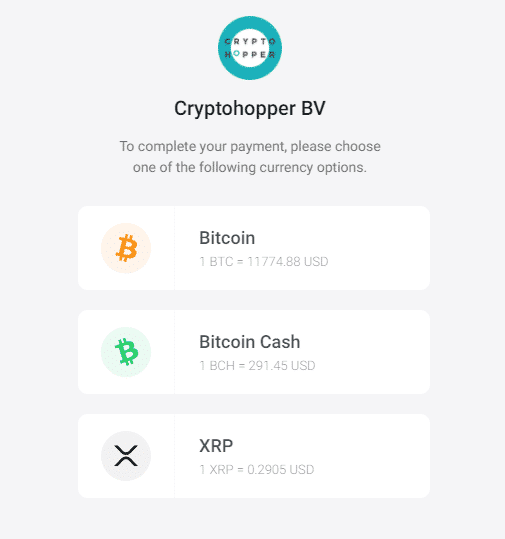
How to pay on Crypto Hopper with BitPay?

This guide introduces the 2 different payment options with BitPay.
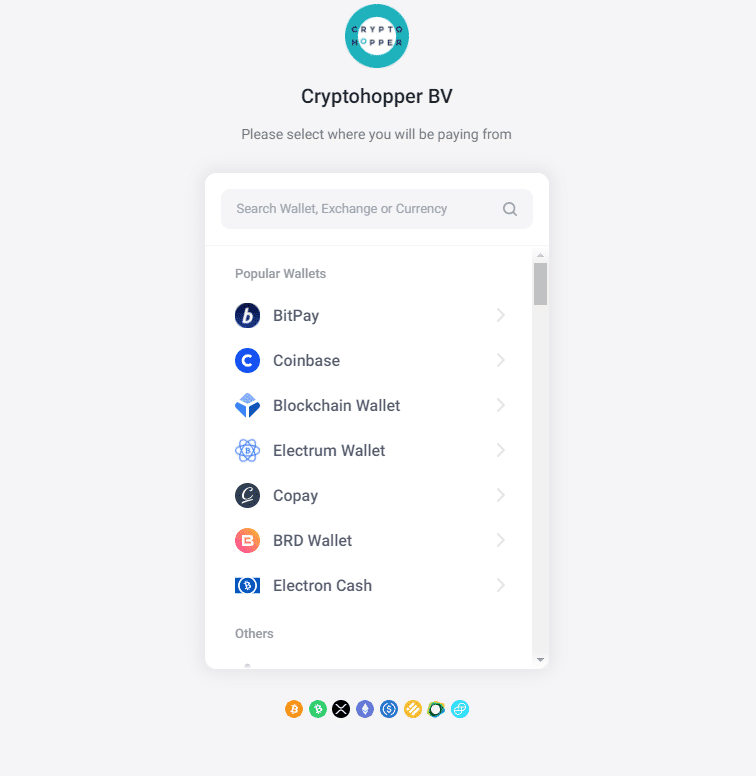
Choose a wallet or exchange
Each wallet or exchange displays useful information for transferring money. For example, BitPay does not support Binance, as all payments are consolidated into one transaction. This causes problems when the payment needs to be automatically matched. The transaction ID, username, and invoice ID must be sent.
Payment options
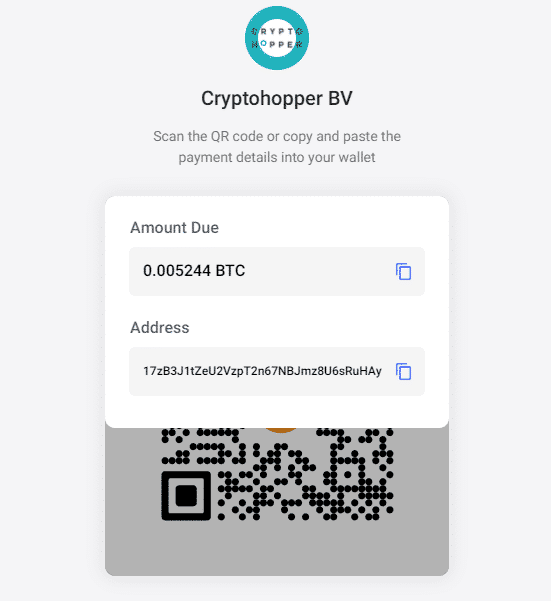
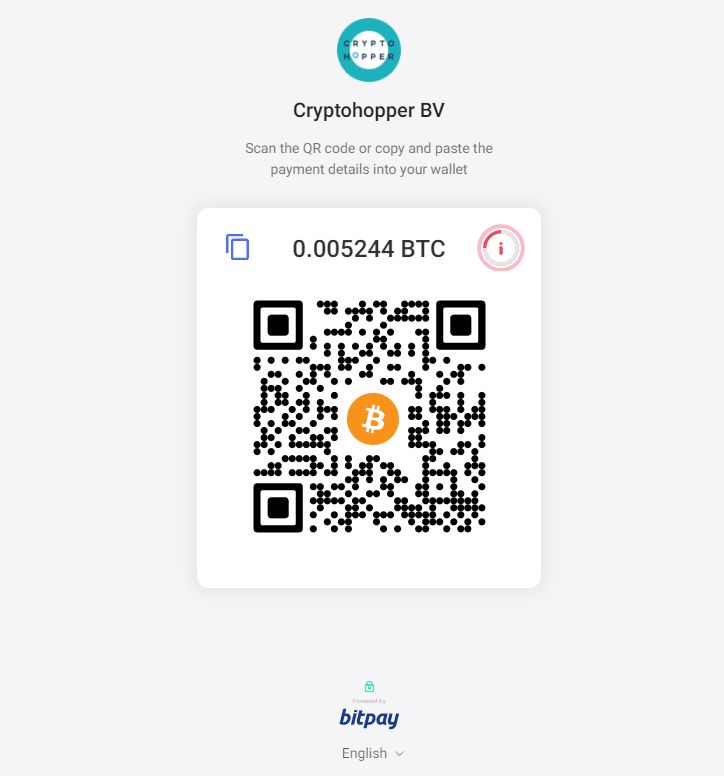
There are 2 payment options. The first option is to scan the QR code with your phone or tablet. The second option is to go to your exchange or wallet and select V.withdraw for the currency of your choice. Make sure the information you fill in is correct. There is no way to cancel the payment. After the payment is confirmed, you will receive an email with the confirmation and an invoice. Depending on the currency you used, it may take some time to process the transfer. When the transfer is processed, your subscription is added.